
Updated 9 November 2026 from Wild Dog’s 6 November mini update, v0.1.74.19895, 5 November content update, v0.1.73.19851, and 30 October networking and staff update. These are developer-reported changes; our suggested routines are editorial advice.
Your next step
The 5 November update adds light-colour and entrance-noren colour controls, alongside existing surface customisation. It also repairs changing Stairs colour and improves gamepad colour-selection feedback. Choose a small palette and inspect it in the actual room before applying it everywhere.

Start at the entrance, then look inward
Choose the colour you want the entrance noren to introduce, then compare it with the wall, floor and staff clothing. The patch confirms that the curtain can be recoloured; it does not claim a customer-score or revenue effect. A practical design exercise is to select one main colour, a quieter background and one accent, then see whether the work areas remain easy to distinguish.
Change the light independently of the surface
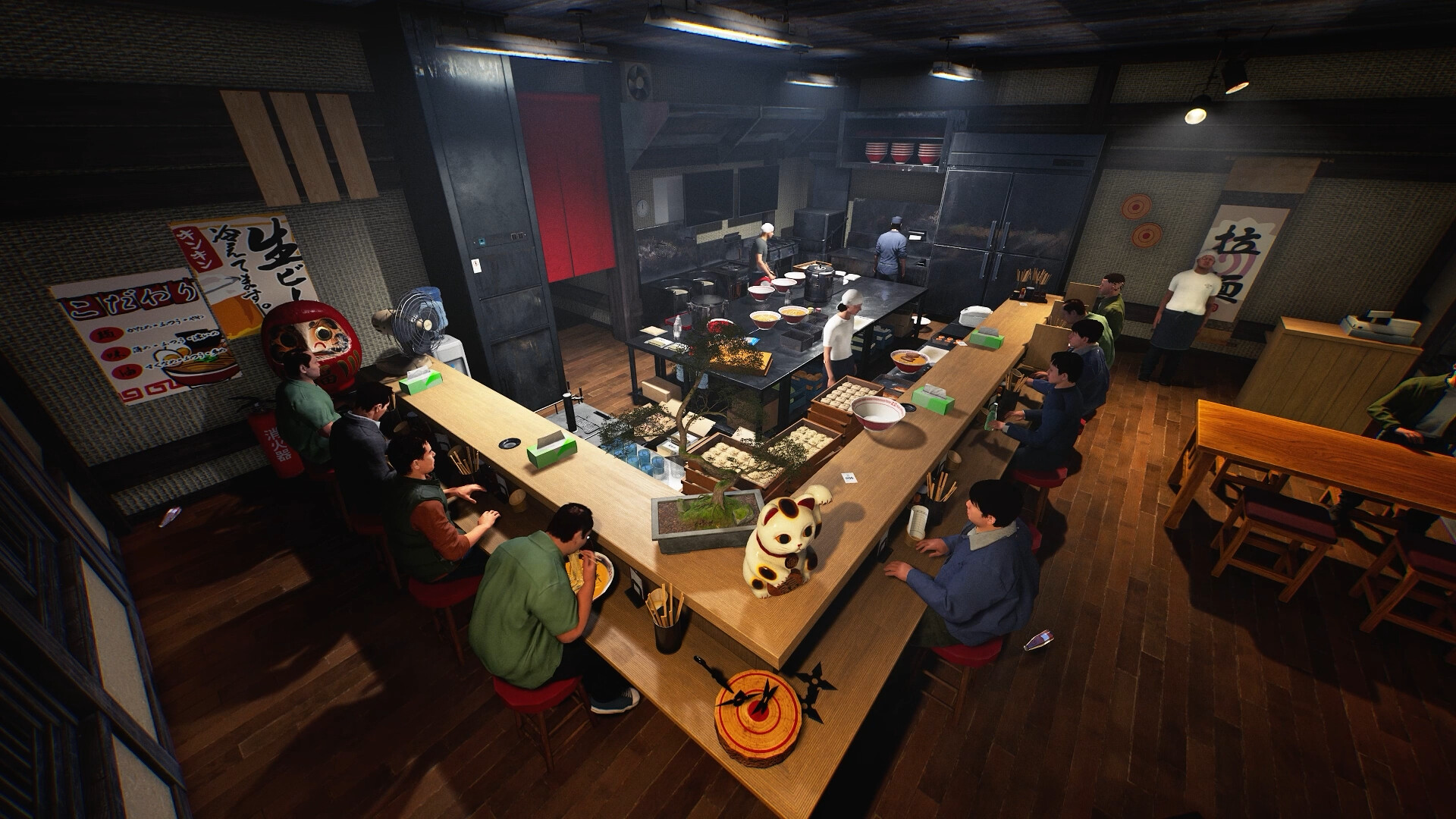
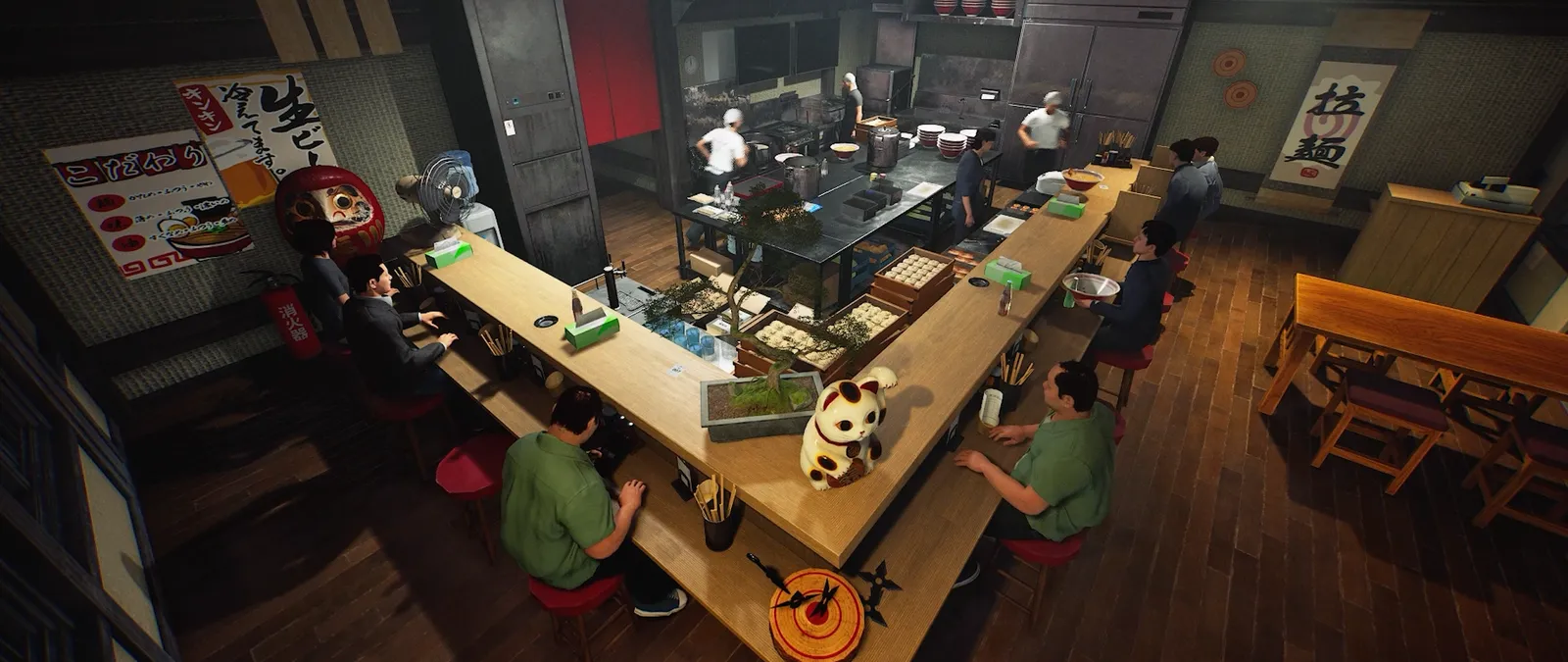
Light colour is now adjustable. Compare a surface under the same lighting before deciding that its own colour needs changing; then change the light as a separate step. If you alter the wall, lamp and uniform together, it is difficult to know which choice produced the result you like. The credited images are examples of the game’s environment, not our tested before-and-after colour presets.
If a control seems stuck, keep its target visible
The patch repairs Stairs recolouring, adjusts the gamepad selection highlight and keeps adjustment hints visible while choosing colours. Record whether you selected a stair surface, a light or another object, and retain the selected colour and input method. A clear selection state is more useful than a cropped screenshot of an unexpected shade. Use the staff guide for restoring clothing colours, which is a separate reset operation.
Choose the surface before the palette
Decide whether the change belongs to a wall, floor or ceiling, then select the corresponding design in the game. Start with one small area that you can compare against the original room. This is an editorial design exercise rather than a claim about a particular unlock level. It is easier to judge a change when lighting, nearby furniture and the rest of the palette stay consistent.
Compare one pattern and one colour
Choose a pattern first, record its selected colour, and inspect the result before moving to another surface. If changing patterns unexpectedly changes the palette again, capture the before-and-after controls and your build. A screenshot that includes the selection state is more useful than a cropped finished wall. Keep imported PNG artwork and built-in surface colours as separate checks.
Keep readability in the kitchen
Use strong contrast where you need to spot equipment and a quieter palette around repeated surfaces. Walk through the preparation and serving areas before committing to a whole-room redesign. This is a visual recommendation, not a measured gameplay advantage. For custom images, the My Designs reload guide covers a different operation; refreshing a file is not the same as adjusting surface colour sliders.
Your reference sheet
| Check | What to record | What it tells you |
|---|---|---|
| Entrance and lighting | Noren colour and light colour separately | A shared palette is design advice, not a gameplay bonus |
| Controller state | Selected target, highlight and adjustment hint | Compare with the November UI changes |
| Build | Record the installed version | Compare with the dated patch |
| Symptom | Write the exact screen or failed action | Keep observation separate from explanation |
| Comparison | Change one thing and record the result | Preserve a reproducible report |
The sheet stays in the open page. Download saves a text copy on your device; it does not change your game or send us a report.
Before your next shift
Can I recolour the entrance curtain now?
Yes. The 5 November update names the entrance noren colour control.
Does a particular colour improve ratings?
No rating bonus is established by these notes.
Are these new screenshots of the colour tools?
No. The official game scenes provide visual context; the feature descriptions come from the dated notes.
Source and scope
Wild Dog — 15 October v0.1.57.18549 notes ↗. Reviewed 9 November 2026. Mechanic descriptions come from Wild Dog’s released notes. Our worksheet is an editorial aid; no timed playtest or numerical benchmark is claimed.