
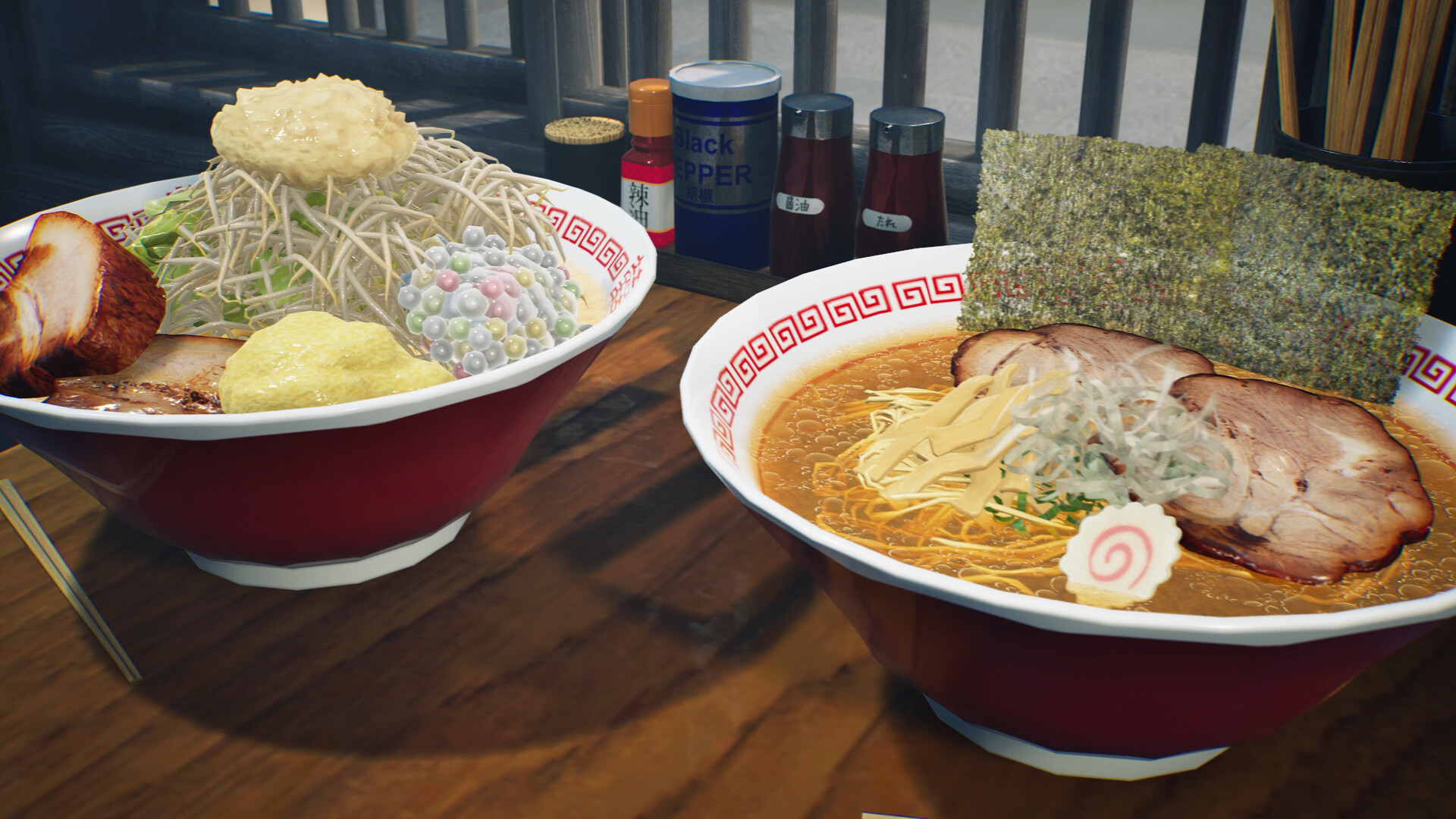
Your first check
The My Designs management screen can reload folder contents so externally edited PNGs apply without quitting. Existing uses update too; only the host can reload in multiplayer.

Distinguish the source file from a new design slot
The new feature reloads the folder's contents from the My Designs management screen. That lets changes to an externally edited PNG be applied while the game stays open. The announcement does not specify a universal folder path, image size or required filename in this passage, so use the current management screen for that information. Keep a copy of the original artwork before editing if you may want to compare or restore its appearance later.
Check all surfaces that already use the design
Wild Dog says the changes also apply wherever the design is already in use. That is useful for a matching shop identity, but it also means the effect is broader than the one object you happen to be looking at. Make a short list of the places you intentionally used the image and inspect them after reloading. In multiplayer the host performs the reload. A guest editing a local file should not assume it has refreshed the host's restaurant.
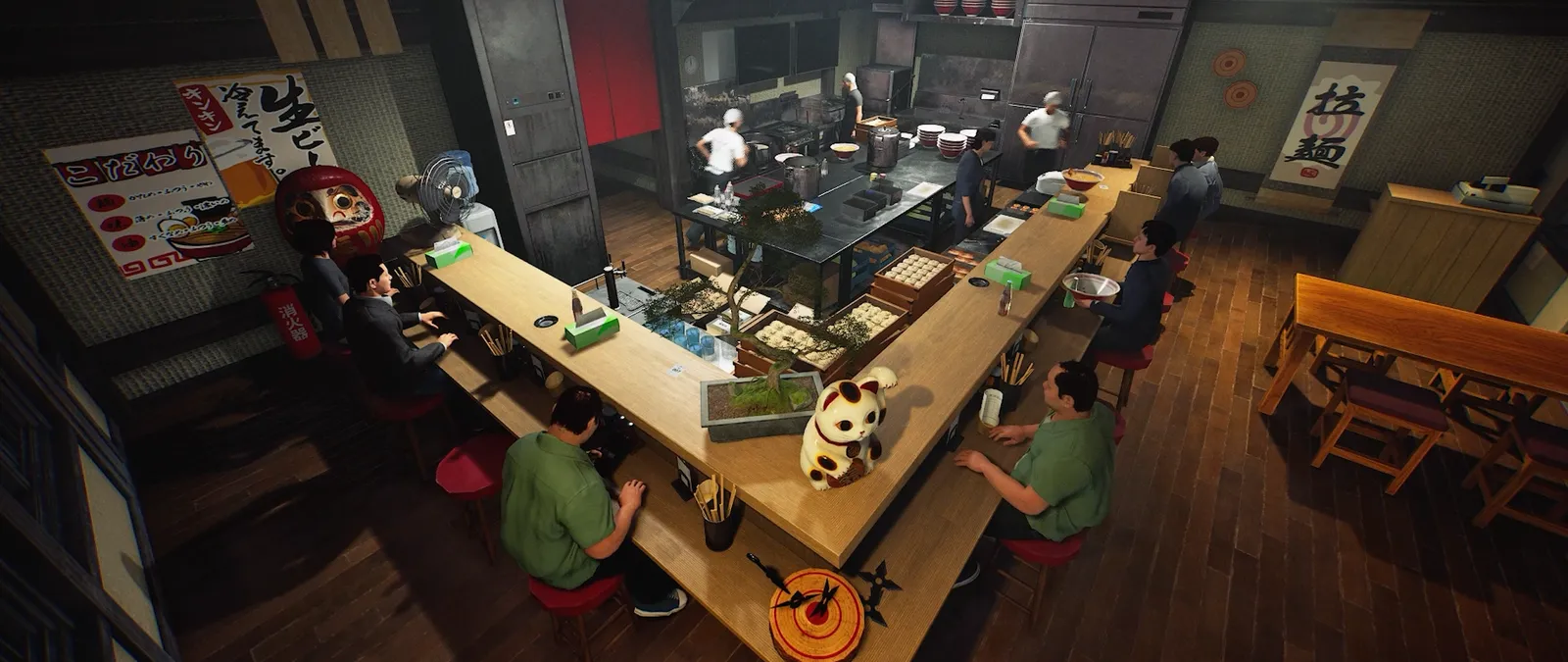
Treat colour editing as a separate operation
The patch also adds changes to wall, floor and ceiling colours while editing their designs. This is a related visual feature, but changing a colour is not proof that a PNG folder was reloaded. Compare one change at a time when diagnosing a mismatch. If a pattern or colour behaves unexpectedly, preserve the original file, a picture of the selected settings and the resulting surface. The update includes design-selection fixes, but this guide cannot guarantee every external file will appear correctly without checking its actual format.
Keep a useful comparison
Use this sheet while you check the problem. Tick a row when you have recorded an observation, even if its outcome is still unresolved. Downloading creates a local text snapshot; it does not save your game or send a report.
| Check | What to record | Interpretation |
|---|---|---|
| Source | Original and edited PNG | Keep a reversible comparison |
| Refresh | My Designs folder reload | No quit required by this feature |
| Authority | Host in multiplayer | Guest-local edits do not prove host refresh |
| Result | Every intended existing use | A reload can affect several surfaces |
Watch the game in motion
These videos provide context for the kitchen and shop. Their presence does not verify the checks above. The cover images are credited game previews, not extracted video thumbnails.
GameTrailers / Wild Dog trailer · Source listing ↗
Official announcement preview. Use it to see the game in motion; it is not a walkthrough of this troubleshooting procedure.
Watch on YouTube ↗Miuneru / VOMS Project · Source listing ↗
Creator-listed Japanese gameplay session dated 14 October. Recorded before the 15 October update; background viewing, not proof of the new features.
Watch on YouTube ↗YouTube loads only when you press the play button. It can then receive your network and device information. Video privacy.
Questions before you retry
Do I have to quit after every PNG edit?
The new reload option applies external PNG changes without quitting.
Will existing uses of the design change?
Yes, according to the update notes.
Is there a verified image-size limit here?
No. This page does not invent a size or folder path absent from the source.
Sources and update scope
15 October update v0.1.57.18549 ↗. Source reviewed 15 October 2026. An earlier official news check on 15 October returned v0.1.57.18549. For subsequent changes, compare the current patch reference. Patch notes are developer reports; community reports are player observations. Checklists and diagrams are our editorial suggestions.
This page has no release-build playtest, measured recipe or guaranteed workaround. Update it when Wild Dog changes the relevant mechanic or a reproducible report supplies better evidence. Send a correction with the source and version.