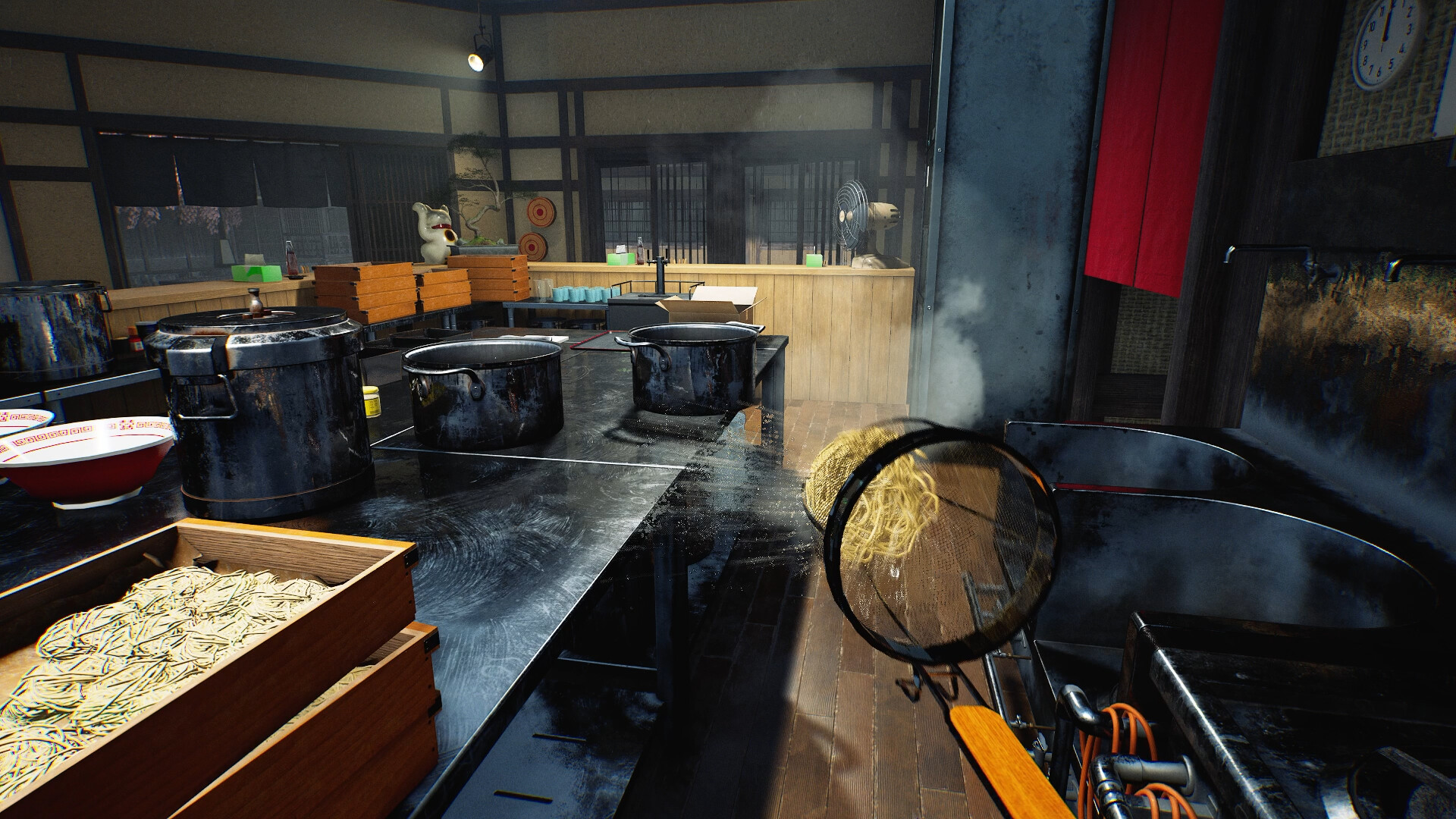
My Designs goes beyond the walls.
The official Steam description names posters, noren curtains, ramen bowls and clothing as places for your drawings. Shop layout and character appearance have their own customisation options.
Arrange the room around the shop you want
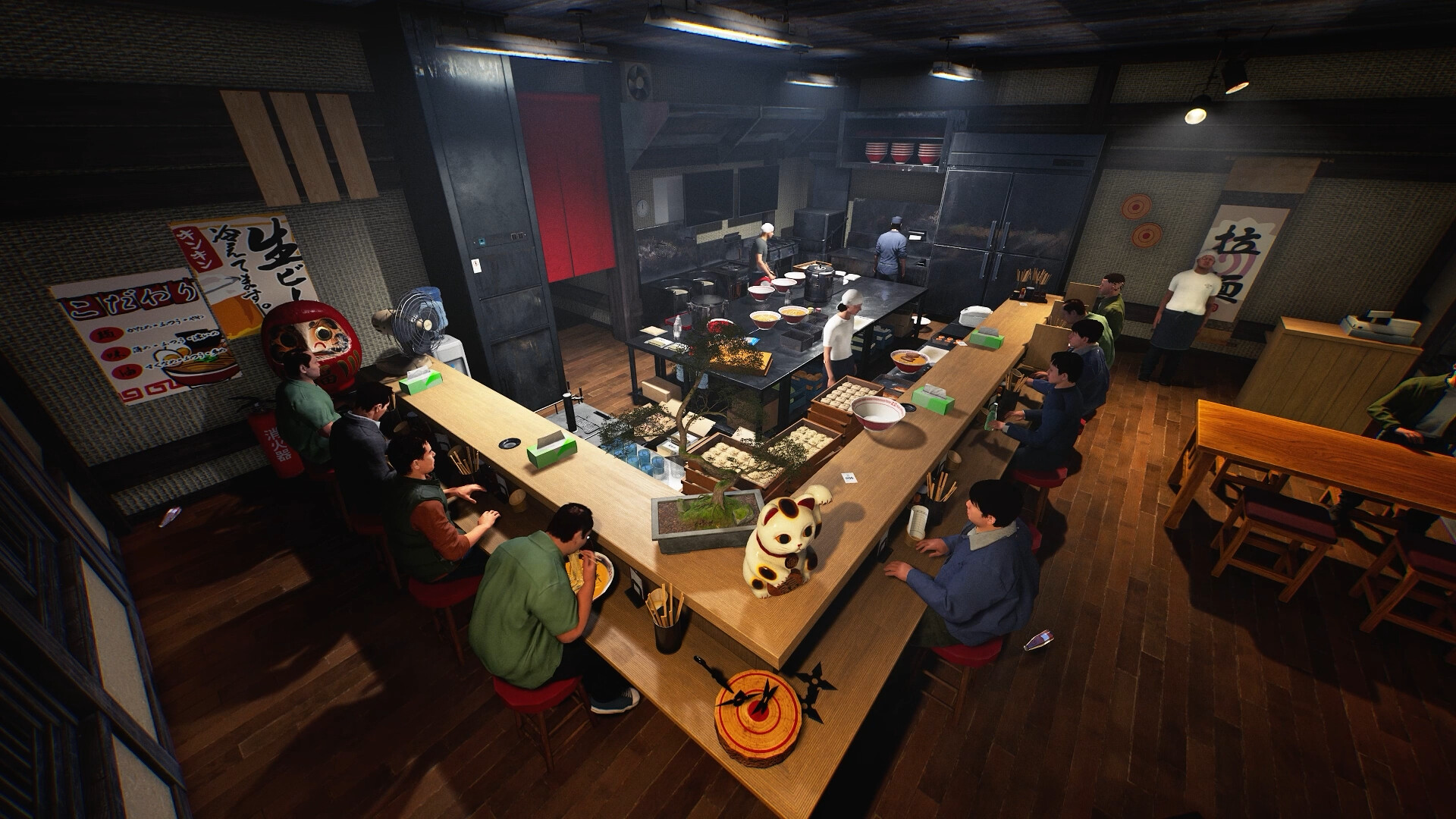
Cooking equipment, furniture, storage and decorations can be placed around the kitchen and dining area, according to Wild Dog’s announcement. This makes the room itself part of the customisation, alongside its decorative details.
Before choosing a theme, identify the places your group will use: supplies, cooking, finished dishes and customer seating. Then decide which part of the room should stand out. This is a design exercise, not a claim that the pictured U-shaped counter is the fastest arrangement.
For a closer look at the work areas, use the layout and service reference. Placement controls, item rotation and collision rules are not established by this image.
Choose an object for your own design
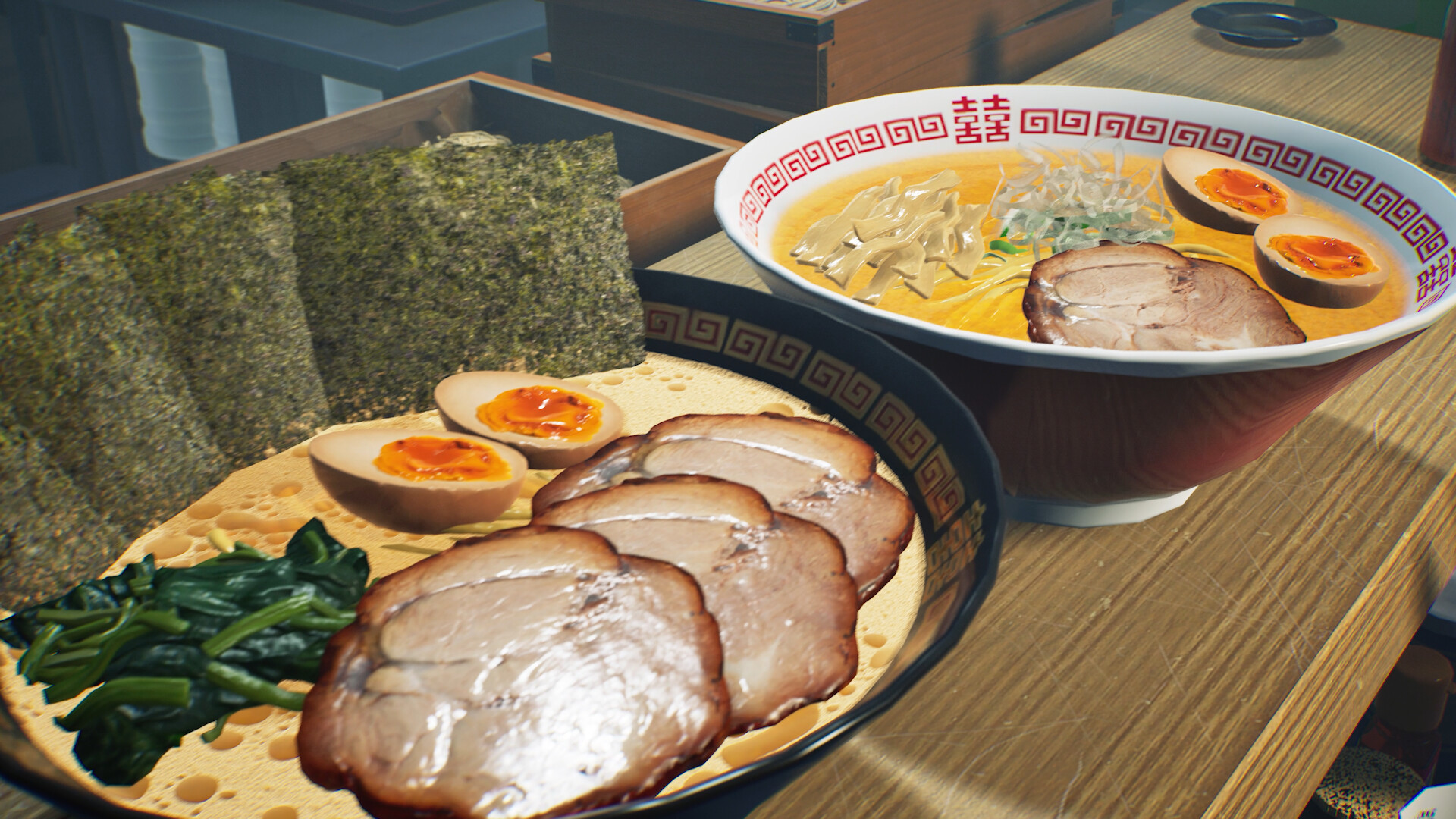
Steam’s customisation section identifies four useful starting points: posters, noren curtains, bowls and clothing. It also describes leaving an autograph when visiting a friend’s shop.
| Your idea | An officially described place for it | A decision to make first |
|---|---|---|
| A shop name or emblem | Poster or noren curtain | Choose one main mark that is recognisable at a distance. |
| A consistent serving style | Ramen bowl | Decide whether the bowl should be quiet or compete with the toppings. |
| A team look | Clothing | Agree a shared colour or symbol before everyone makes a separate design. |
| A guest signature | A friend’s shop | Agree with the host where a signature would fit. |
The ideas in the last column are suggestions. The public description does not establish image import formats, canvas dimensions, sharing codes or an editor menu path, so this page does not offer an upload tutorial.
Give your character a look of their own
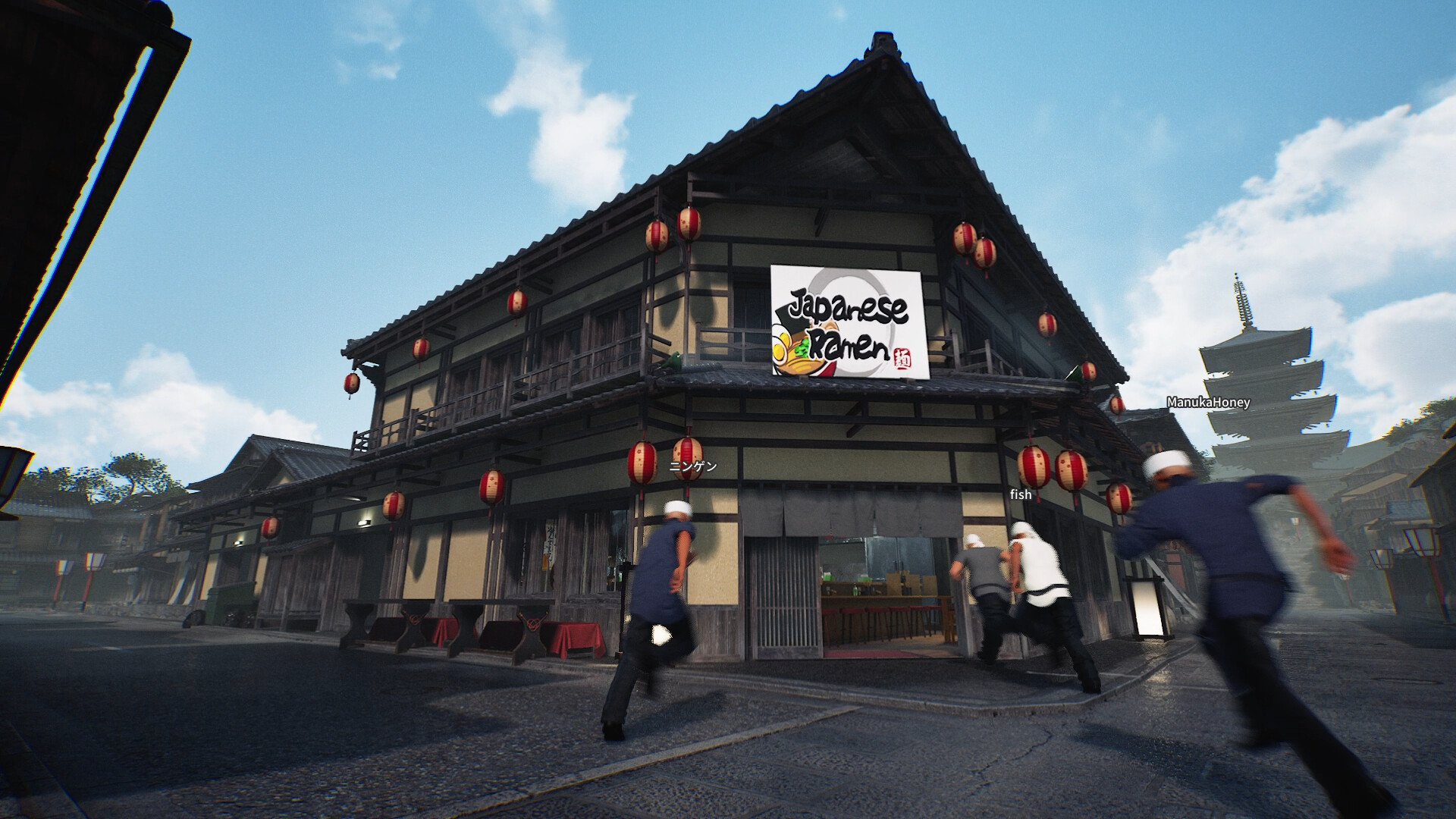
The official listing also describes changing outfits, body shape, emotes and noodle-draining animations, and using your designs to make matching uniforms.
A shared uniform can give the shop a consistent identity without requiring everyone to look identical. Decide which detail is shared and which detail each person chooses. Keep this separate from the jobs you assign for a shift: an outfit or animation is not evidence of a cooking bonus.
Appearance, unlocks and expansion are different decisions
Partition Wall and Half Partition Wall (Wood) now unlock for purchase at Shop Lv.10, down from Lv.12. This is a specific change in v0.1.50.17746, published October 10, intended to align those items with shop expansion. It is not a complete decoration catalogue or an expansion-cost table.
Steam separates Shop Level unlocks from spending money to expand the restaurant. It does not publish a complete level-by-level requirement or cost table.
| Question | Where it belongs |
|---|---|
| What should the shop look like? | Layout, decoration and My Designs. |
| Which ingredients or equipment become available? | Shop Level progression; check the requirement shown by your own build. |
| How will I make the premises bigger? | Shop expansion and the money it requires; no verified cost list is available here. |
A new look does not prove an item has been unlocked, and a larger room does not prove a layout is more efficient. Keep those questions separate when comparing guides or planning a purchase.
A worked brief: one identity, three uses
Original planning example — not an in-game design or tested editor workflow. Imagine a small shop called “Evening Noodle Club”. Its identity uses one simple wave mark, dark ink on a light background and a red accent. The aim is for a poster, bowl and uniform to feel related without copying the same detailed picture onto every surface.
| Surface | What the example puts there | Why this version differs |
|---|---|---|
| Poster | The full shop name and one large wave mark. | This is the main identity piece. Start here to decide which element should catch the eye first. |
| Bowl | A simplified wave with no small lettering. | Reduce the idea to its recognisable shape so detailed artwork does not compete with the food. |
| Clothing | The same wave and red accent, with a separate player-chosen detail if the editor allows it. | Give the group a shared identity while leaving room for individual characters. |
Posters, bowls and clothing are all named in Steam’s My Designs description. The name, colours, mark and choices above are our example. They do not establish which drawing tools, placement areas or clothing parts the editor exposes.
Write five decisions before you draw: shop name; one recognisable symbol; a main colour and accent; the first surface to try; and one detail that will stay the same across other surfaces. Leave file format and canvas size undecided until you can read the actual editor’s requirements.
Start with the poster version. If the mark needs small details to make sense, simplify it before adapting the idea to a bowl or uniform. A bold shared symbol can connect the pieces; every surface does not need the full shop name.
Check the design before expanding it
Once you have access to the editor, use these visual checks as a short review. They are design recommendations, not scoring rules, game bonuses or a tested installation sequence.
- Check the first surface in the shop. View it from the distance at which you expect to notice it. If the name cannot be read, shorten the wording or make the main element clearer using whatever tools are available.
- Check the simplified version. The bowl or uniform should still suggest the same shop without relying on tiny lettering. If it loses the identity, carry over the main symbol rather than adding more detail.
- Ask a teammate to identify it. Agree whether the shared mark is recognisable. If uniforms help distinguish people, use a shape or character detail as well as colour where the editor permits.
- Separate visual success from layout success. A coherent theme completes this design task. Checking the route from supplies to cooking and service is a different task in the layout reference.
You are ready to extend the theme when you have one readable main design, a recognisable simplified version and agreement on the shared team detail. There is no need to redesign every available object to reach that point.
Sources & next steps
The feature list comes from the official Steam description and Wild Dog’s original announcement. The images are official preview scenes, credited individually. The developer’s game page provides the original overview and media links.
These pages explain official feature descriptions and credited preview images, rechecked on 30 September 2026. We have not tested a release build. The planning suggestions are ours; Controls, prices and unlocks not specifically documented in the linked patch notes still need an in-game check.