
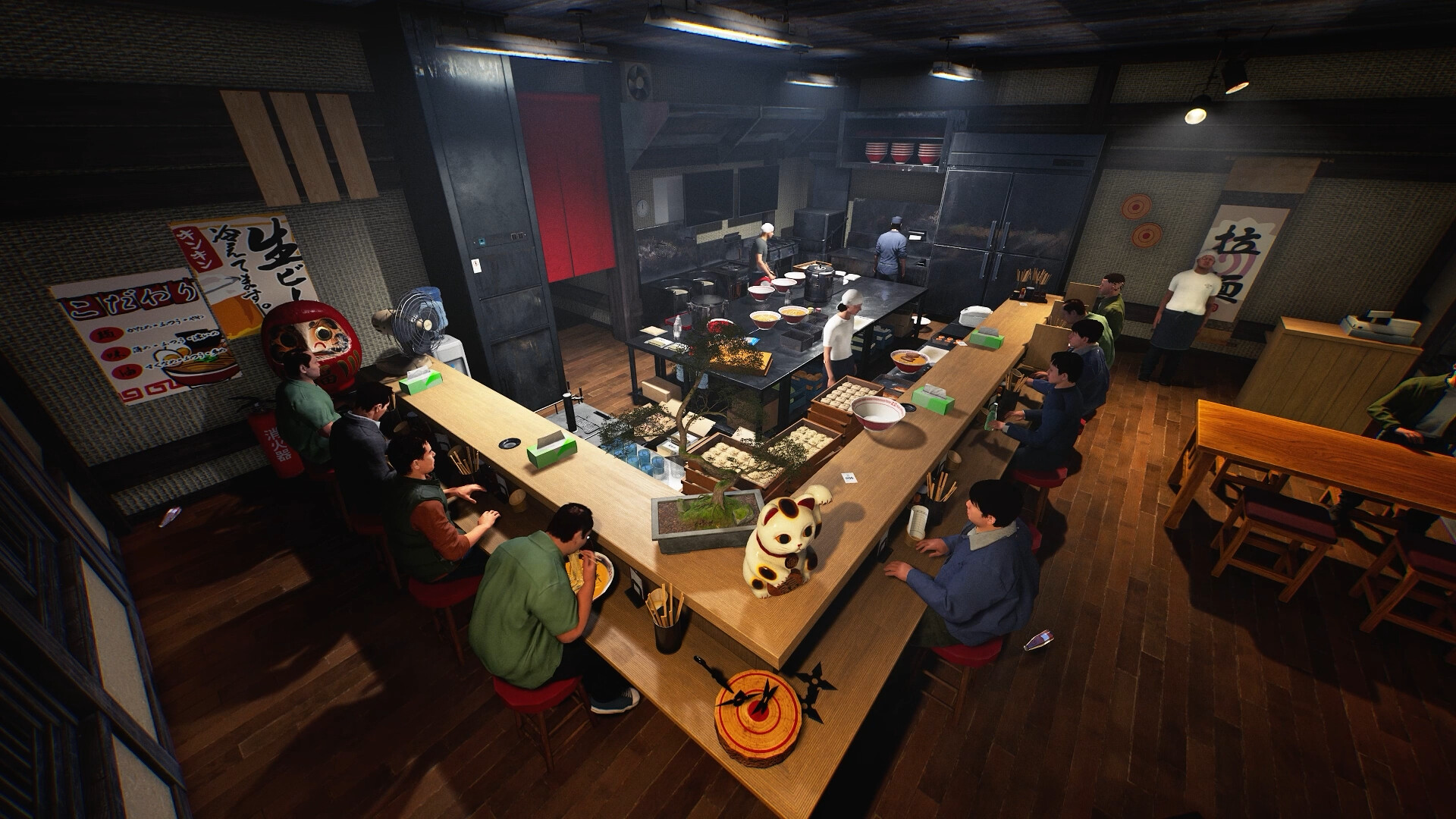
Updated 6 November 2026 from Wild Dog’s 6 November mini update, v0.1.74.19895, 5 November content update, v0.1.73.19851, and 30 October networking and staff update. These are developer-reported changes; our suggested routines are editorial advice.
Your first check
Serving Staff now recheck the food before handing it to a customer and return it if it no longer matches the order. The food’s temperature does not change while the server carries it. Start by comparing the actual order and returned food; then inspect pickup and movement. The Serving Staff Workstation still unlocks at Level 9.

30 October: a returned dish can be an order mismatch
The developer changed serving staff to check the dish again immediately before delivery. If it no longer matches the customer’s order, the staff member takes it back. That is different from never picking up the tray or becoming stuck on the route. Record the order and the actual food before moving furniture: a successful return does not by itself demonstrate a pathfinding fault.
Temperature while carried is a separate change
The same update keeps food temperature unchanged while serving staff carry it. This applies to the named carrying stage; it does not prove a completed dish can wait indefinitely at every location. Distinguish waiting at a workstation, being carried and being returned. The note supplies no measured profit or throughput improvement, so use a concrete observation rather than assuming the entire serving loop is now instantaneous.
6 November: do not confuse noodle staff with serving staff
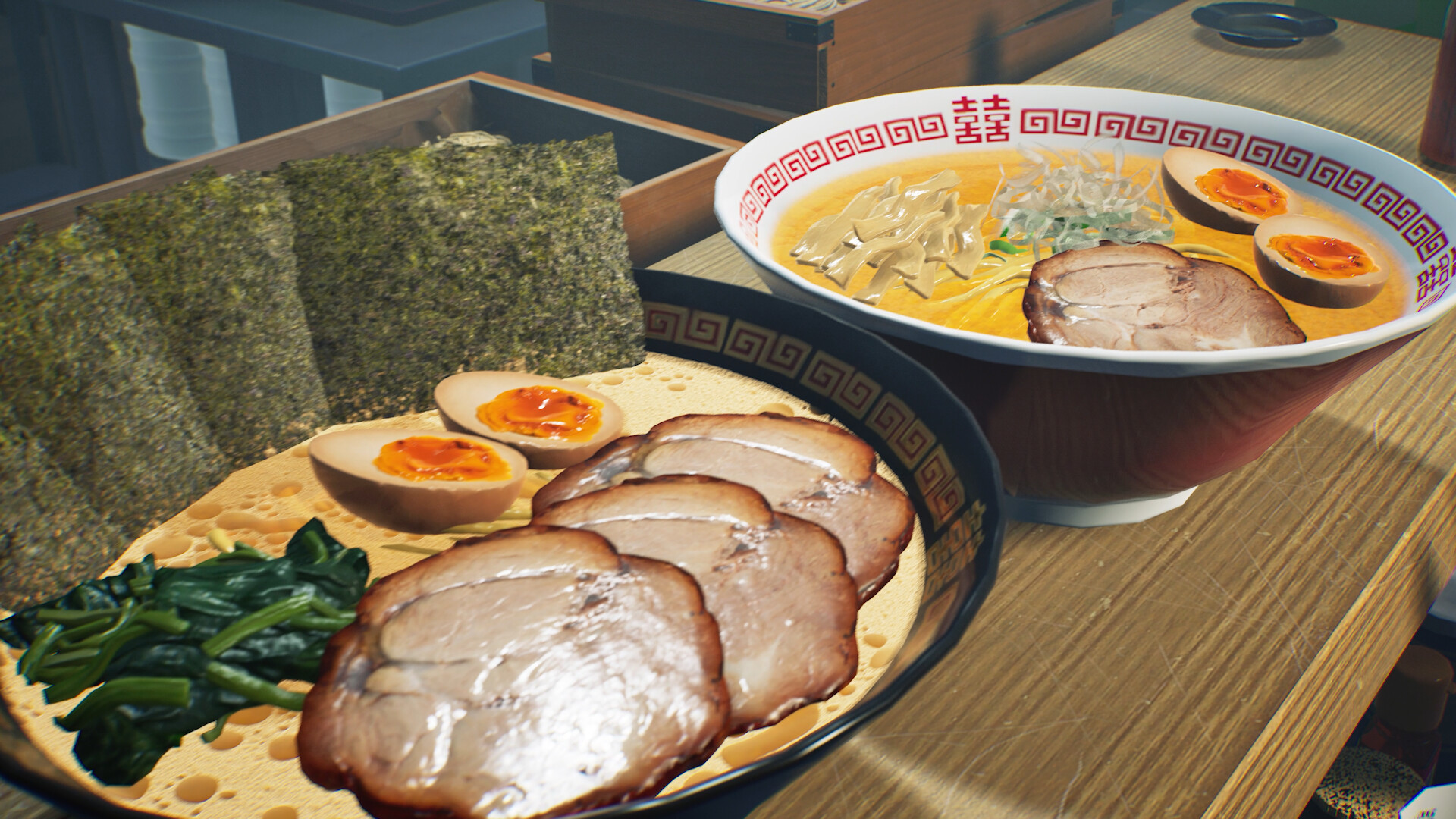
The latest mini update fixes an inability to add tare or soup to a Ramen Bowl at the workstation while noodle-boiling staff are cooking. That concerns a cooking-stage interaction. A blocked tare/soup action and a returned serving tray need different descriptions. Record the staff role and the action you attempted so a report about one workstation is not mistaken for a failure of the other.
28 October: distinguish the three staff changes
The new patch fixes a delivery failure when a tray also carries an order slip, fixes workers colliding with one another and becoming stuck, and adjusts how serving staff wait for side-menu items. These are three separate changes. An older tip that tells you every order slip prevents delivery is no longer a current rule. Equally, a tray moving correctly does not prove that every path or incomplete order will work. Compare the symptom you see with the named change before rearranging the whole kitchen.
A current-build delivery check
Follow one complete order from the workstation to the customer. Note whether an order slip is on the tray, whether the worker picks it up, whether another worker blocks movement and whether a side is still missing. If the order stops, record that first stopping point and the installed version. Use the Ticket Machine guide separately for Level 12 order-taking and payment: a customer whose meal has not been delivered and one whose meal has not yet been paid for are different cases.
Start with the workstation, not the dishwasher
The 15 October update adds a serving role alongside existing kitchen and cleanup work. Its equipment is the Serving Staff Workstation, purchasable at Level 9. Buying cleanup equipment is not the same setup. Use the new Serving Staff tutorial for the assignment and controls shown by your installed build. This guide has not tested a hiring price, salary or staff throughput, so those values are deliberately absent. First identify the workstation and the prepared dishes you want the employee to move.
Stage the whole order when it includes sides
For an order with side dishes, place both the ramen and the ordered sides on the workstation. The employee then loads the tray and takes it to the customer. A practical handoff is to keep one order together while the cook finishes its missing component. That is an organisational suggestion, not a newly invented storage-slot rule. If delivery does not begin, compare the actual order with what has been prepared before assuming the worker has a pathfinding fault. Note which component is still absent.
Read customer priority without assuming staff take every order
Wild Dog says staff prioritise customers whose orders have already been taken. They can also deliver to an unprocessed customer when matching dishes are available. This is not a promise that an employee replaces every customer-service task. For a first comparison, observe one accepted order from preparation to arrival, then inspect a waiting customer separately. Record the build, dish combination and stage where movement stops. Treat a single successful delivery as evidence for that order, not proof that the arrangement is the fastest layout.
Worked example: one cook, one front-of-house player
Imagine a two-person shop where the cook finishes ramen quickly but the other player is occupied taking orders and handling drinks. Before buying another appliance, trace one real ticket. If it includes a side dish, the workstation needs the matching components described in the patch notes. Put an observation on each stage: food ready, complete order staged, employee pickup and arrival. If ramen waits beside an unfinished side, adding another cook may not address that delay. If a complete order waits, inspect the workstation and staff stage instead. This is an illustrative comparison, not a measured claim about employee speed or the best layout.
When the example does not fit your shop
Try a plain ramen order separately from a ramen-plus-side order and keep their results separate. Record the exact recipe and side, rather than writing only “staff broken”. Do not assume the presence of an employee removes the need to notice new customers or replenish the required dishes. Use the check sheet to identify the first stage that stops, then send that small sequence if you need help.
Keep a useful comparison
Use this sheet while you check the problem. Tick a row when you have recorded an observation, even if its outcome is still unresolved. Downloading creates a local text snapshot; it does not save your game or send a report.
| Check | What to record | Interpretation |
|---|---|---|
| Unlock | Shop Level 9; correct workstation | Purchase availability is not an automatic hire |
| Complete order | Prepared ramen plus ordered sides | Do not omit the side component |
| Priority | Order already taken or not | Both cases have documented conditions |
| Delivery | Loaded tray and actual customer arrival | Separate staging from movement |
Watch the game in motion
These videos provide context for the kitchen and shop. Their presence does not verify the checks above. The cover images are credited game previews, not extracted video thumbnails.
GameTrailers / Wild Dog trailer · Source listing ↗
Official announcement preview. Use it to see the game in motion; it is not a walkthrough of this troubleshooting procedure.
Watch on YouTube ↗Miuneru / VOMS Project · Source listing ↗
Creator-listed Japanese gameplay session dated 14 October. Recorded before the 15 October update; background viewing, not proof of the new features.
Watch on YouTube ↗YouTube loads only when you press the play button. It can then receive your network and device information. Video privacy.
Questions before you retry
Why does staff carry food back?
From the 30 October update, a pre-handoff check can return food that no longer matches the customer’s order. Compare the meal and request before diagnosing the route.
When can I buy the workstation?
Shop Level 9 in the 15 October notes.
Must I take the customer's order first?
Those customers receive priority, but staff may serve an untaken order when matching food is ready.
Is serving staff the same as dish-clearing staff?
No. Delivery and cleanup are separate responsibilities; use the dedicated cleanup guide for collection problems.
Sources and update scope
15 October update v0.1.57.18549 ↗. Source reviewed 6 November 2026. An earlier official news check on 15 October returned v0.1.57.18549. For subsequent changes, compare the current patch reference. Patch notes are developer reports; community reports are player observations. Checklists and diagrams are our editorial suggestions.
This page has no release-build playtest, measured recipe or guaranteed workaround. Update it when Wild Dog changes the relevant mechanic or a reproducible report supplies better evidence. Send a correction with the source and version.