
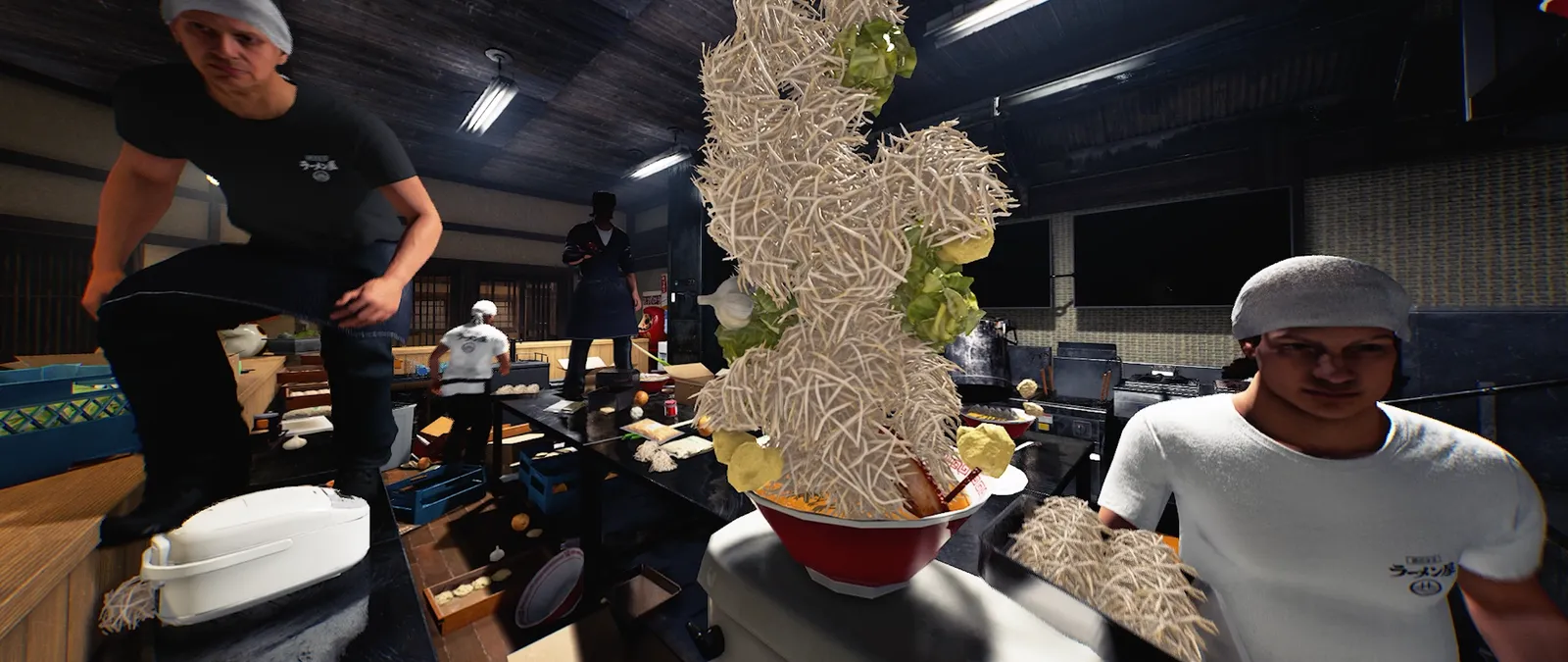
Multiplayer now has text chat.
The new patch adds written messages between multiplayer players. It does not publish a keyboard shortcut or a full chat-interface walkthrough. Check your installed build’s controls for how to open chat; the practical examples below help with what to say once you can use it.
Check the communication route before the rush
Make a short exchange while the shop is quiet enough for both players to notice it. Ask one teammate to confirm the message they received. This checks the route you intend to use without treating silence during a busy order as proof that text chat failed.
If you cannot find the chat control, inspect the current game controls and interface. The official announcement confirms the feature but supplies no keybinding, persistence rules, moderation commands or controller shortcut. A guide should not turn a familiar key from another game into a supposedly verified instruction here. Note your build and input method if you need to ask for help.
Send a brief test message and get an explicit acknowledgement. Agree whether urgent service handoffs will use text, voice or another arrangement within your group.
Say the task, the owner and what is missing
“Help” can mean several different jobs. A better handoff names the unfinished component and who is handling it. For example: “Ramen ready; I am finishing the side,” or “I am restocking drinks; please watch new orders.” These are sample player messages, not commands interpreted by the game.
Avoid borrowing seat numbers or ticket identifiers that your team cannot see. Point to whatever label is actually available, or agree on a clear description before service. The purpose is shared understanding. A concise message with an unambiguous reference is more useful than a long explanation that arrives after two people have already done the same work.
Sample message: “I have cleanup. Please keep the finished order together until its side is ready.”
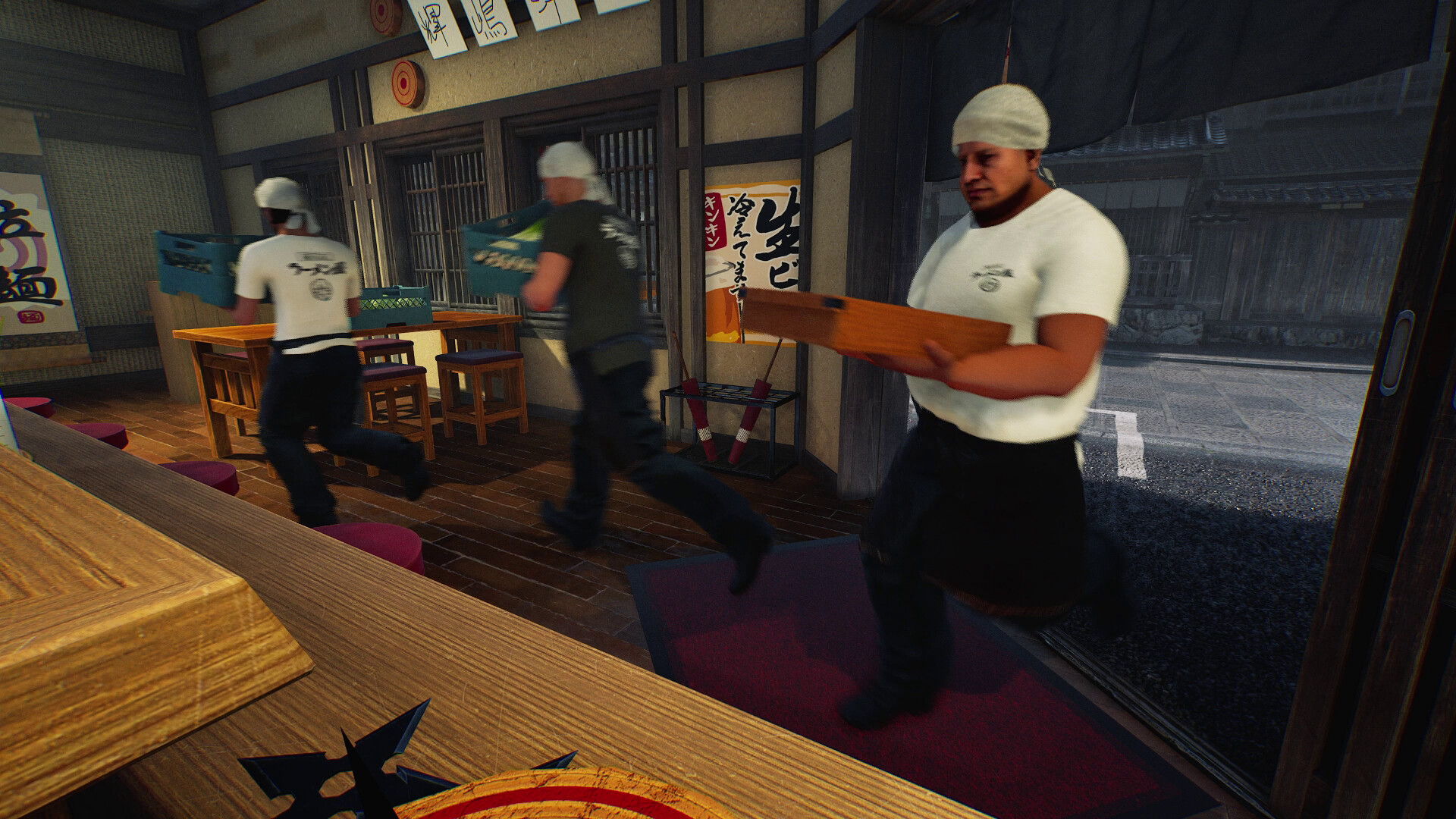
Close the loop instead of adding more messages
A useful exchange has an acknowledgement and a finish. One person says they will restock; another confirms they are covering the counter; the first reports when the handoff ends. This is a team convention, not a notification system that the patch automatically supplies.
If several messages arrive at once, choose one person to coordinate the immediate bottleneck rather than asking everyone to type continuously. Text is particularly useful for a durable short instruction in a group that cannot rely on voice, but the patch does not establish an archive that survives sessions. Keep a separate note for an arrangement you want to reuse.
Use a three-message pattern only when it helps: “I am taking this task,” “covered,” then “done.” Do not make a rigid ritual out of every small interaction.
Keep connection problems separate from a missed message
The same update changes the multiplayer connection method and asks players with connection failures or instability to contact support. A teammate missing a message during a busy shift is not enough evidence to diagnose that system. First separate whether they are still in the session, whether messages arrive at all, and whether the meaning was clear.
For a repeatable issue, preserve the visible build, host/join role, exact action and any message displayed. Do not publish account details or an entire private conversation to explain a single missing exchange. A small reproducible sequence gives support something concrete to investigate while keeping the rest of your group’s chat out of the report.
Before you change your setup
Which key opens text chat?
The reviewed official patch does not specify one. Use the controls shown by your installed build; we have not verified a binding.
Is voice chat removed?
The patch announces an added text feature, not the removal of voice. Existing voice settings are covered in the separate voice guide.
Does the game understand the sample messages as commands?
No such command behaviour is documented. These are ordinary human-readable team messages.
Will chat history stay after rejoining?
Persistence is not described in the source. Do not rely on a saved archive without checking your current game.
Sources, version and editorial scope
Checked 30 October 2026: Wild Dog’s 28 October update, v0.1.63.19293, the official Steam store description and the developer’s game overview. The patch text was retrieved from the official Steam news API; its publication timestamp is 28 October, 12:11 UTC.
Feature availability, conditions and version changes come from the developer. Suggested comparisons and team routines are our editorial advice. We have not measured this build’s throughput, earnings or control behaviour in a playtest. Send a correction with a source and build.