
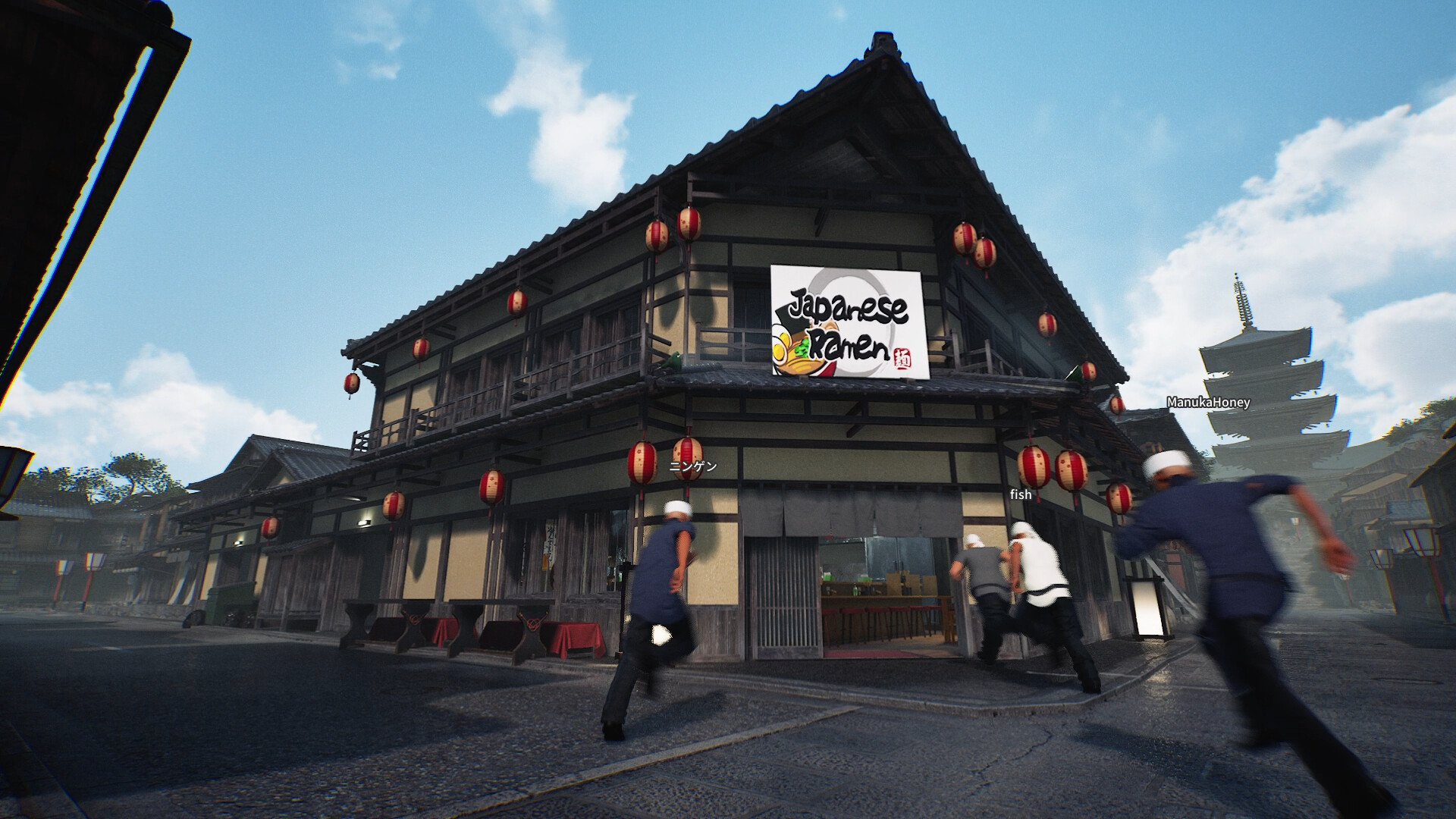
Your next step
The 15 October notes report fixes for mute and push-to-talk changes not taking effect immediately, plus updated noise suppression.

Test the voice path before opening
Arrange a short microphone check with one teammate before a busy shift. Record the input device, selected voice mode, and whether the other person hears silence, constant audio or intermittent speech. Those outcomes point to different questions. Avoid changing the microphone, hotkey and voice mode together: if the result improves, you would not know which setting mattered.
Compare both ends of the conversation
Ask the listener to confirm what they actually hear while you test the visible mute and push-to-talk controls. Check the current key binding rather than copying a key from someone else’s video. Test an ordinary sentence, then a pause. Noise suppression can make a noisy room sound different without proving that the wrong microphone is selected. Keep your observations short enough to reproduce.
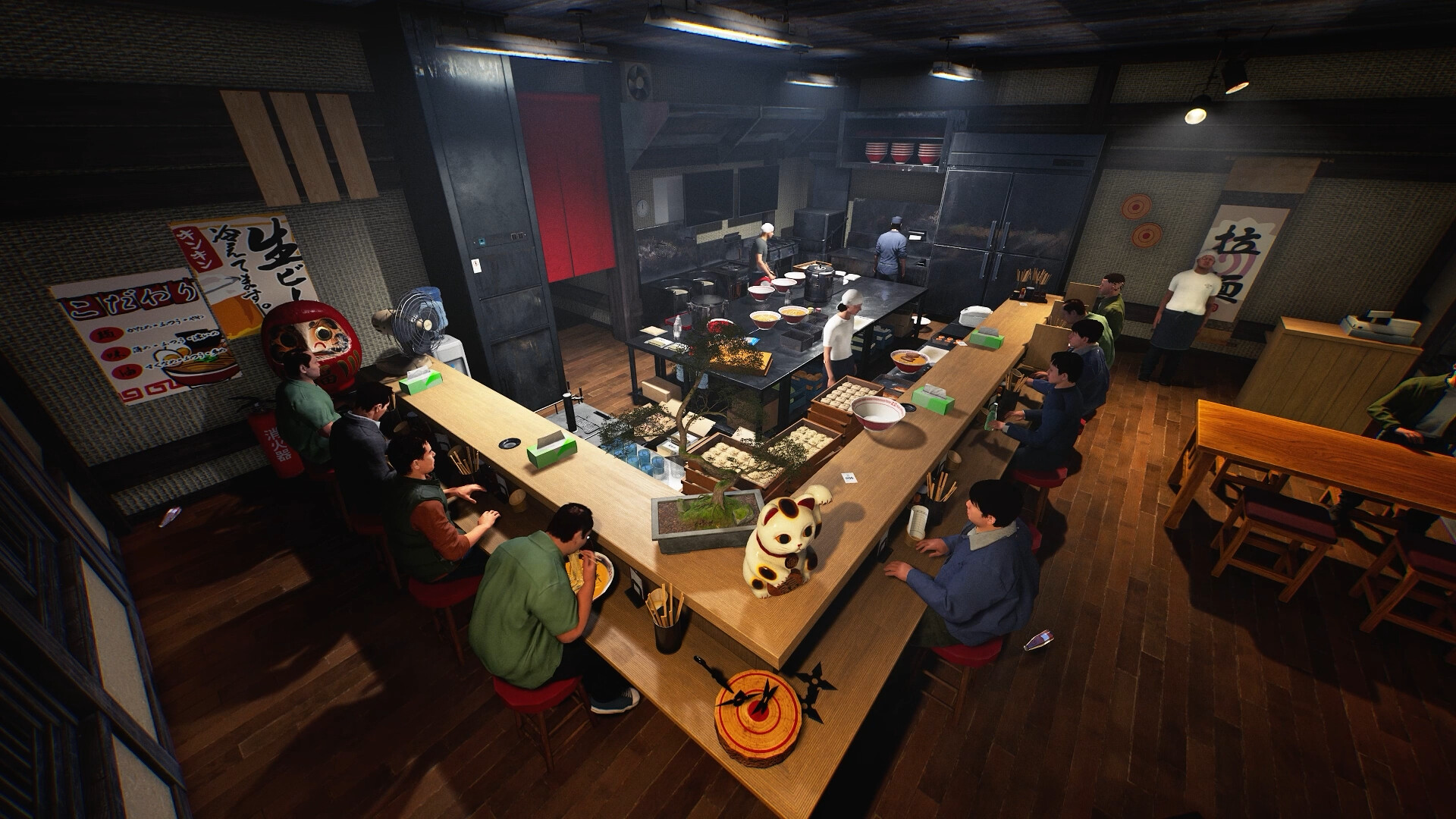
Capture the transition that fails
If changing a setting still appears delayed, note the old mode, the new mode and what happens immediately after the change. Include whether the problem begins on joining, during a running shift or on leaving the room. The patch also lists a voice-related disconnect/save-and-quit crash fix; a crash report and a microphone configuration problem should be described separately. Do not treat every audio symptom as the same bug.
Your reference sheet
| Check | What to record | What it tells you |
|---|---|---|
| Build | Record the installed version | Compare with the dated patch |
| Symptom | Write the exact screen or failed action | Keep observation separate from explanation |
| Comparison | Change one thing and record the result | Preserve a reproducible report |
The sheet stays in the open page. Download saves a text copy on your device; it does not change your game or send us a report.
Before your next shift
Is this a newly released 20 October feature?
No. This reference was published on 20 October and explains the linked 15 October patch.
Has this procedure been playtested here?
No. The developer-reported change is sourced; the diagnostic and planning checklist is editorial guidance.
Source and scope
Wild Dog — 15 October v0.1.57.18549 notes ↗. Reviewed 20 October 2026. Mechanic descriptions come from Wild Dog’s released notes. Our worksheet is an editorial aid; no timed playtest or numerical benchmark is claimed.