
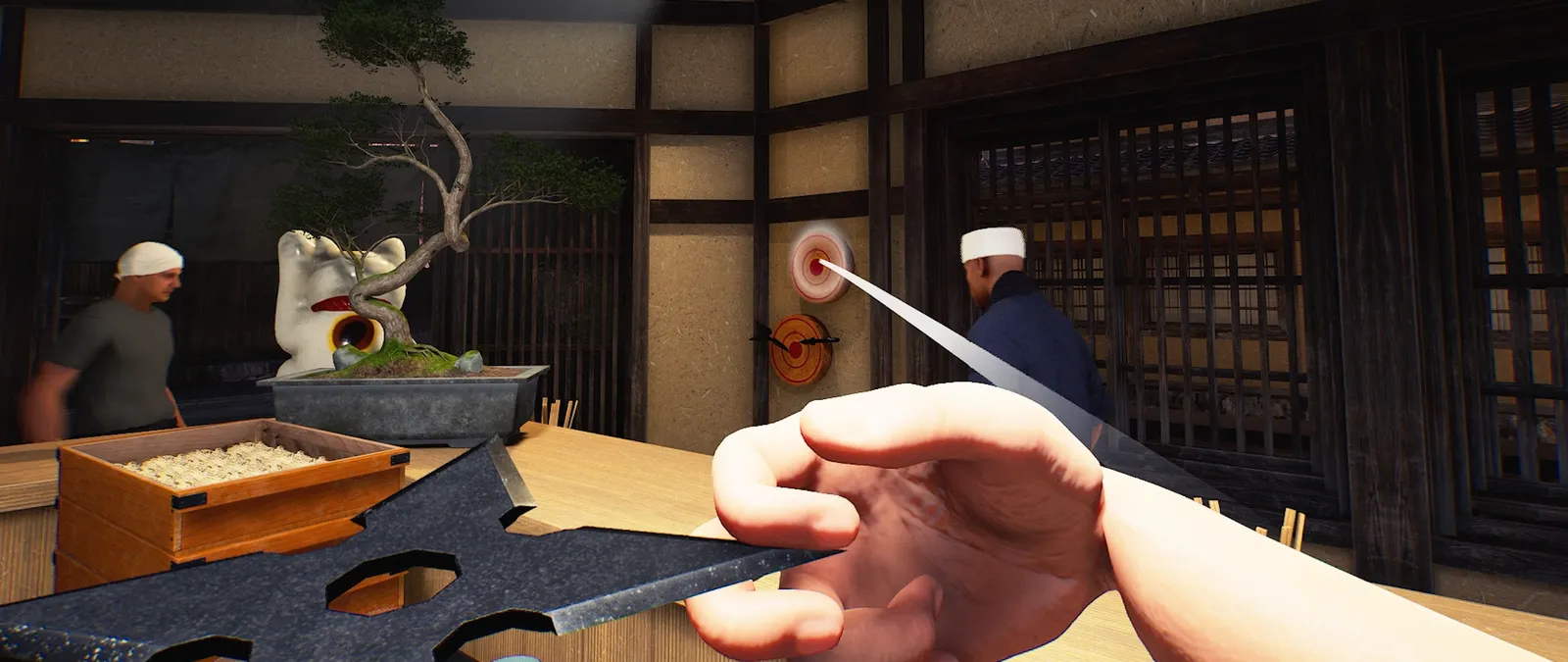
Updated 9 November 2026 from Wild Dog’s 6 November mini update, v0.1.74.19895, 5 November content update, v0.1.73.19851, and 30 October networking and staff update. These are developer-reported changes; our suggested routines are editorial advice.
Your first check
Thieves can steal from the Ticket Machine after the 5 November update. The existing World Settings thief toggle controls appearances for the current shop, with the host in charge in multiplayer. It is not documented as a way to recover stolen money or remove an event already underway.

Count the machine as another cash location
Automatic order-taking does not protect the machine’s balance. The same update introduces deposits and withdrawals, so a balance change can have several explanations. Record the amount before and after an actual action and identify whether a player moved money, a customer completed a meal or a theft was observed. A lower number alone does not establish which event occurred.
Agree on the experience before changing the setting
A group may want trouble events as part of the evening or may prefer an uninterrupted training shift. Ask the host to check the current restaurant’s setting before opening. If you leave thieves enabled, make somebody responsible for noticing shop events while others work at equipment. This is a role assignment to try, not a guaranteed defence or a promise of a safe withdrawal interval.
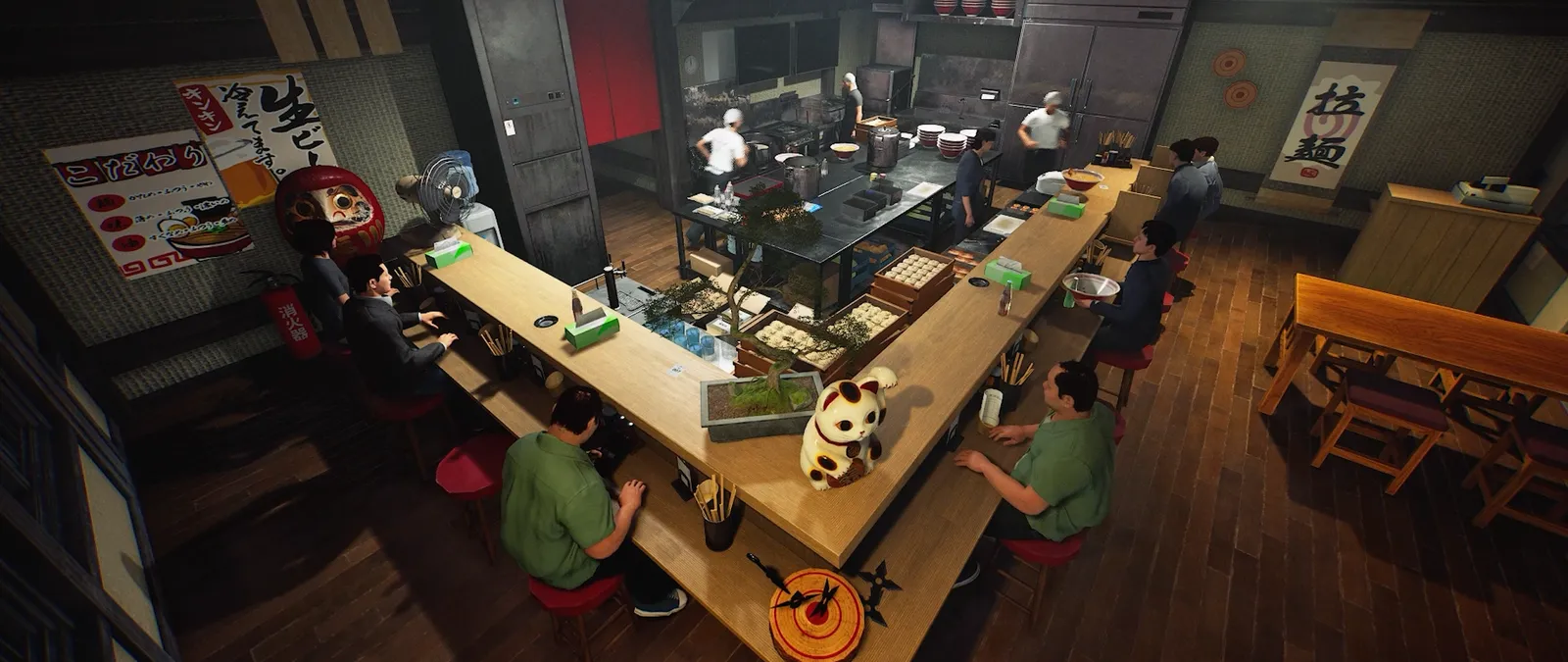
After an apparent loss, keep the sequence short
Do not repeatedly dismiss customers or toggle settings to test a cash problem. The Ticket Machine’s original payment rule depends on departure after eating; an early dismissal does not trigger that payment. Compare the request, meal completion, departure and any recorded cash action as separate observations. If the thief option is off, retain when it was changed and which shop was loaded rather than claiming an unexplained loss proves the toggle failed.
Use the built-in option added on 15 October
The 15 October update introduced an ON/OFF control for thief appearances. Advice written before this patch may say that no such option has been confirmed. That older limit should not be used to describe the current build. Check your installed version first, then use World Settings in the Options menu. You do not need a third-party trainer to access the documented toggle. This article describes thief appearances only; the notes do not establish an equivalent fire toggle.
Make the change in the shop you intend to play
World Settings are saved separately for each shop. A choice in one restaurant should not be treated as a global setting covering every save or host. In multiplayer, ask the host to make the adjustment and agree the intended experience with the group. If a joining player cannot change it, that matches the documented authority boundary. Keep the shop identity and chosen state with your session notes so a later visit to another restaurant does not look like a failed save.
Separate future appearances from an event already underway
The notes say you can toggle appearances; they do not describe what happens to a thief who is already present at the instant of the change. Do not promise that an active event will disappear. Record when the setting changed and what you observed afterwards. If the option appears ineffective, include whether you were host, whether another shop was loaded and the version used. Avoid testing several world changes at once when the question is specifically about thief appearances.
Keep a useful comparison
Use this sheet while you check the problem. Tick a row when you have recorded an observation, even if its outcome is still unresolved. Downloading creates a local text snapshot; it does not save your game or send a report.
| Check | What to record | Interpretation |
|---|---|---|
| Cash event | Deposit, withdrawal, completed meal or observed theft | Do not identify a cause from balance alone |
| Build | v0.1.57.18549 or a later relevant build | Older advice may lack the toggle |
| Authority | Host in a multiplayer session | Guests do not control this setting |
| Scope | The shop where the setting was changed | Settings are per shop |
| Timing | Before or during a thief event | Existing-event removal is not documented |
Watch the game in motion
These videos provide context for the kitchen and shop. Their presence does not verify the checks above. The cover images are credited game previews, not extracted video thumbnails.
GameTrailers / Wild Dog trailer · Source listing ↗
Official announcement preview. Use it to see the game in motion; it is not a walkthrough of this troubleshooting procedure.
Watch on YouTube ↗Miuneru / VOMS Project · Source listing ↗
Creator-listed Japanese gameplay session dated 14 October. Recorded before the 15 October update; background viewing, not proof of the new features.
Watch on YouTube ↗YouTube loads only when you press the play button. It can then receive your network and device information. Video privacy.
Questions before you retry
Does turning thieves off refund money?
No refund behaviour is established in the reviewed notes. The option concerns appearances.
Can I turn fires off here too?
A fire toggle was not named in the update checked for this guide.
Does this require a mod?
No. The thief toggle is a built-in World Settings feature.
Does one change affect every restaurant?
No. The developer says settings are saved separately for each shop.
Sources and update scope
15 October update v0.1.57.18549 ↗. Source reviewed 9 November 2026. An earlier official news check on 15 October returned v0.1.57.18549. For subsequent changes, compare the current patch reference. Patch notes are developer reports; community reports are player observations. Checklists and diagrams are our editorial suggestions.
This page has no release-build playtest, measured recipe or guaranteed workaround. Update it when Wild Dog changes the relevant mechanic or a reproducible report supplies better evidence. Send a correction with the source and version.