
Your first check
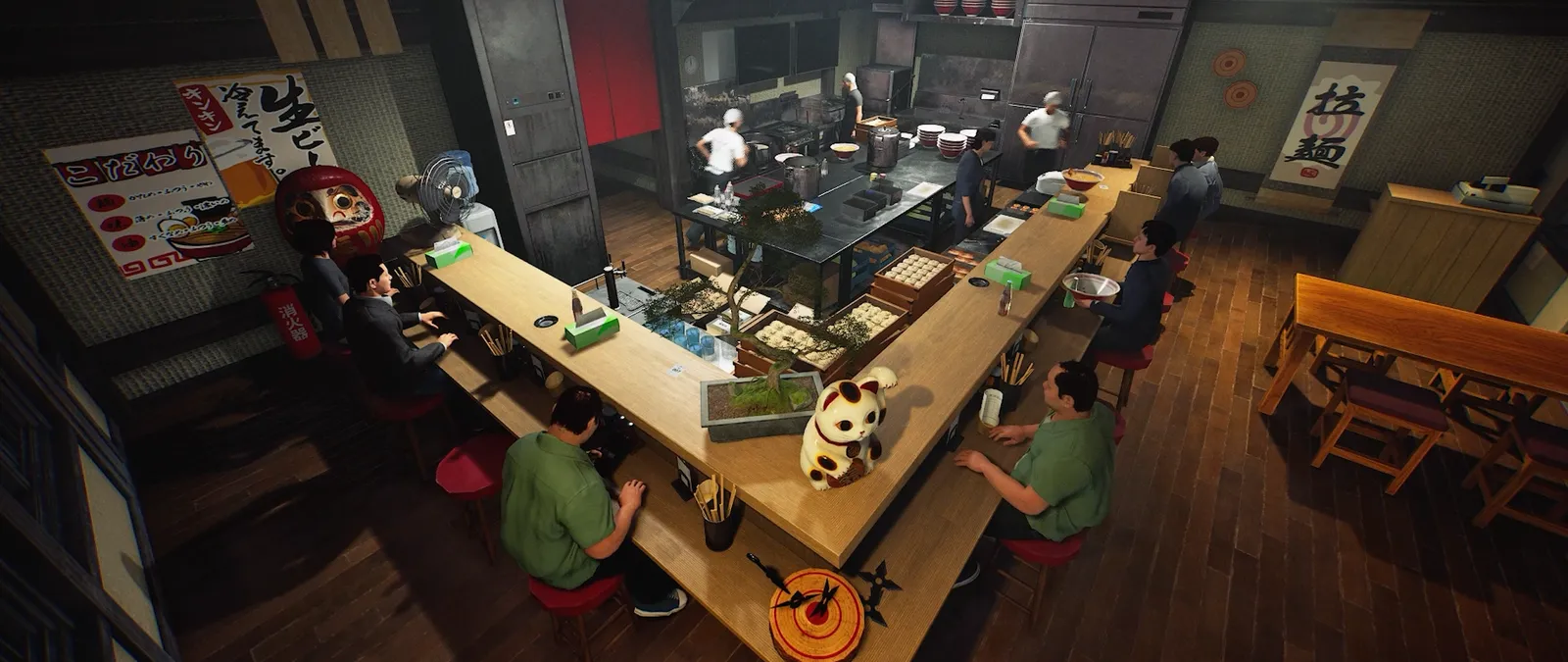
World Settings now offers Custom difficulty with customer traffic, waiting times and a bill multiplier. Difficulty can change during business; waiting-time changes take effect immediately.

Three controls answer three different needs
Customer traffic changes the amount of demand you are trying to handle, waiting-time settings affect the service window, and the bill multiplier concerns payments. These are different levers. The official notes do not publish every slider range or a recommended preset. Start from the actual values shown in your game instead of borrowing numbers from a trainer or an older difficulty chart. Keep the original values in your notes before making a comparison.
Plan a deliberate change during service
The update permits changing difficulty while the shop is open and explicitly says adjustments such as waiting times take effect immediately. Make a note of when you change them. Otherwise the same shift can contain two different service conditions without that difference appearing in your profit record. For a useful comparison, change one setting first and observe its effect before adjusting the others. In multiplayer, the host controls World Settings; a guest's preference is a request to discuss with that host.
Measure the result you care about
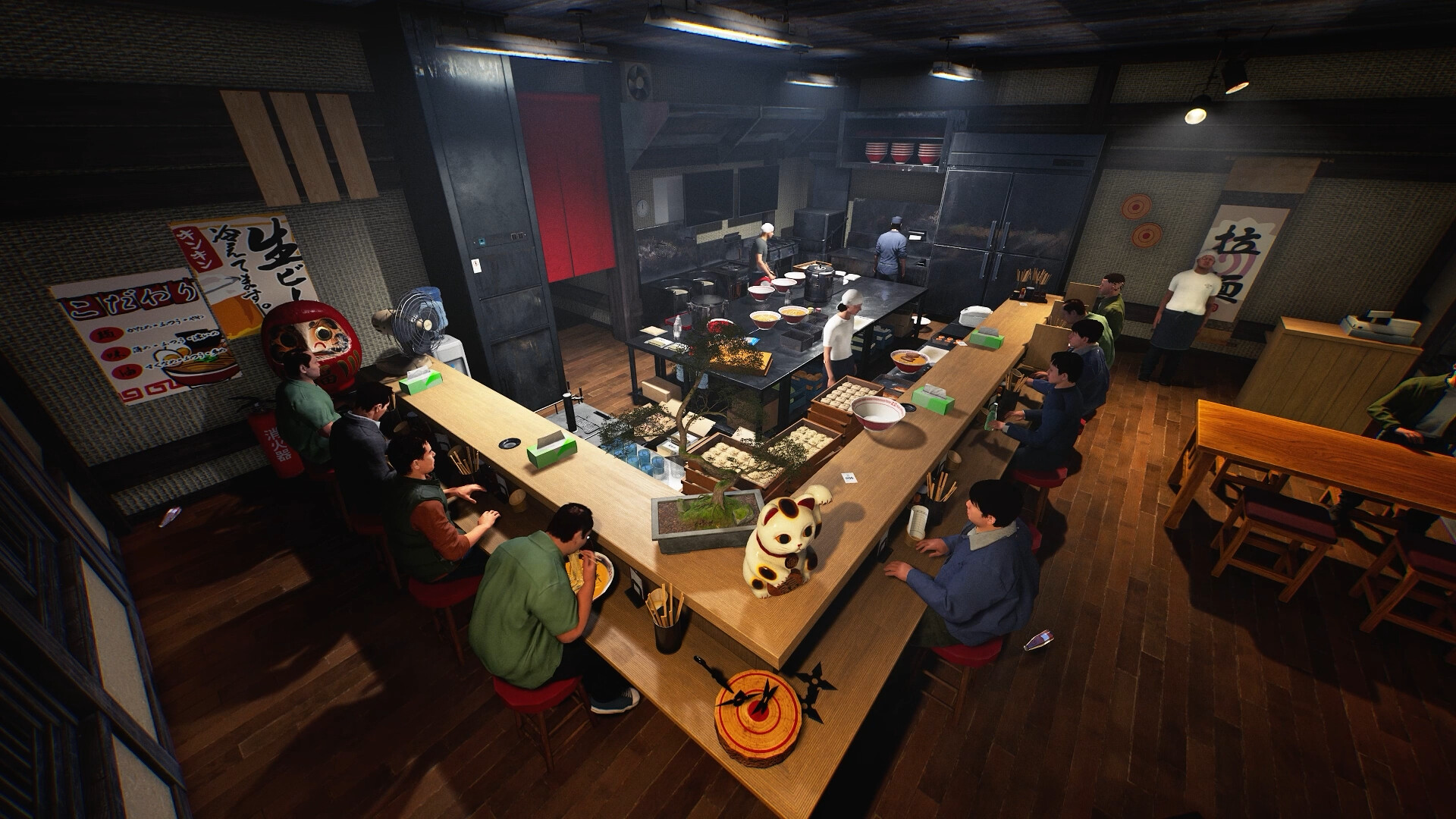
If you want a calmer shift, record where work was waiting rather than judging only the money total. If you want to compare payments, preserve the order, rating and current multiplier alongside the amount received. A larger bill does not prove higher net profit after purchases or other expenses. The older Day 1 percentages describe changes to named presets relative to their earlier values; they are not the range of this new Custom control. Keep the two comparisons separate in your worksheet.
A calmer shift without losing the comparison
Suppose two players want more time to learn the stations. Choose the problem first: too many arrivals, too little waiting time or uncertainty about payment changes. Record the existing controls, adjust one relevant setting and repeat a short, comparable period of service. Keep a note of where the queue forms and whether food or cleaning is waiting. Changing several sliders at once may make the session feel better, but it will not show which control helped. This is a suggested experiment, not a tested difficulty preset or a promise of a particular income.
Separate learning goals from earning goals
For a learning session, the useful result might be finishing complete orders without confused handoffs. For an earning comparison, you would also need purchases, income and the game’s current bill multiplier. Neither a creator’s money total nor one successful shift supplies those missing comparisons. Agree on the aim before starting, and keep a copy of the original settings so the group can return to its previous setup.
Keep a useful comparison
Use this sheet while you check the problem. Tick a row when you have recorded an observation, even if its outcome is still unresolved. Downloading creates a local text snapshot; it does not save your game or send a report.
| Check | What to record | Interpretation |
|---|---|---|
| Baseline | Current traffic, waiting and bill values | Use actual displayed settings |
| Change | One control and the time adjusted | Avoid an unexplained mixed-condition shift |
| Authority | Host and intended shop | World Settings are per shop |
| Outcome | Queue pressure, comments and payments | Bill multiplier is not measured net profit |
Watch the game in motion
These videos provide context for the kitchen and shop. Their presence does not verify the checks above. The cover images are credited game previews, not extracted video thumbnails.
GameTrailers / Wild Dog trailer · Source listing ↗
Official announcement preview. Use it to see the game in motion; it is not a walkthrough of this troubleshooting procedure.
Watch on YouTube ↗Miuneru / VOMS Project · Source listing ↗
Creator-listed Japanese gameplay session dated 14 October. Recorded before the 15 October update; background viewing, not proof of the new features.
Watch on YouTube ↗YouTube loads only when you press the play button. It can then receive your network and device information. Video privacy.
Questions before you retry
Can I change difficulty after opening?
Yes; the update explicitly allows that, with waiting adjustments taking effect immediately.
What are the allowed slider ranges?
The source does not enumerate them. Read the current interface.
Is the highest bill multiplier always optimal?
No benchmark supports that claim. Compare the workload and outcome you actually observe.
Sources and update scope
15 October update v0.1.57.18549 ↗. Source reviewed 24 October 2026. An earlier official news check on 15 October returned v0.1.57.18549. For subsequent changes, compare the current patch reference. Patch notes are developer reports; community reports are player observations. Checklists and diagrams are our editorial suggestions.
This page has no release-build playtest, measured recipe or guaranteed workaround. Update it when Wild Dog changes the relevant mechanic or a reproducible report supplies better evidence. Send a correction with the source and version.