
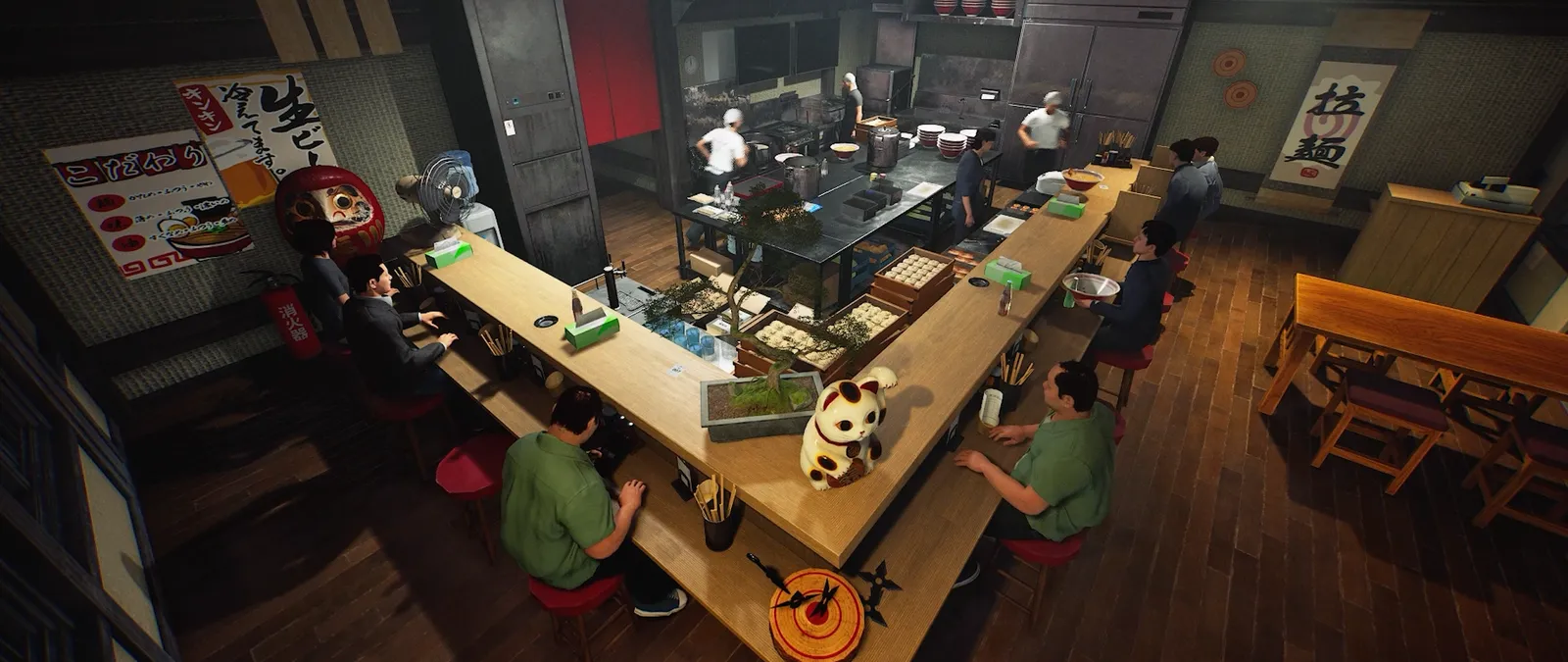
This guide was prepared from earlier notes. The new build adds world controls, serving staff and further fixes. Check the current patch before following an older procedure.
Your first check
Day 1 raised Easy payments by 40% and Normal by 20% against their own previous amounts for equivalent orders and ratings; Hard was unchanged.

Compare the right baseline
The announced percentages describe a change within each difficulty relative to its earlier version. They do not mean Easy always pays forty percent more than Hard, and they do not publish every dish price. To compare your own outcomes, retain the dish, rating and difficulty for each observation. Otherwise a better result can reflect a different order or rating rather than the setting you intended to investigate. Record the current build so later balance changes can be recognised.
Keep sales and spending on separate lines
For a shift review, note the starting money, customer payments you observed, purchases, other known expenses and ending money. Leave unknown amounts unknown rather than forcing the table to balance with a made-up wage or ingredient cost. This simple record helps distinguish more money received from less money spent. A one-off reward should have its own line because it may not repeat in the next comparable shift. The worksheet is an editorial record, not a simulated economy model.
Choose a change that improves the next shift
Review where time was lost as well as the final money total. Were supplies missing, finished dishes waiting or used places not cleared? Choose one bottleneck to investigate, using the kitchen and cleanup guides linked below. Spending more on every station at once hides which purchase helped. A difficulty that you can run consistently may produce a clearer learning comparison than a setting where several failures happen together. We cannot rank a fastest profit strategy without comparable playtest data.
Keep a useful comparison
Use this sheet while you check the problem. Tick a row when you have recorded an observation, even if its outcome is still unresolved. Downloading creates a local text snapshot; it does not save your game or send a report.
| Check | What to record | Interpretation |
|---|---|---|
| Comparable orders | Dish, difficulty and actual rating | Do not compare unlike payments |
| Gross takings | Customer payments observed | Separate one-off rewards |
| Spending | Purchases and known expenses | Do not invent hidden costs |
| Shift result | End money minus start money | Not a universal hourly-profit figure |
Watch the game in motion
These videos provide context for the kitchen and shop. Their presence does not verify the checks above. The cover images are credited game previews, not extracted video thumbnails.
GameTrailers / Wild Dog trailer · Source listing ↗
Official announcement preview. Use it to see the game in motion; it is not a walkthrough of this troubleshooting procedure.
Watch on YouTube ↗Miuneru / VOMS Project · Source listing ↗
Creator-listed Japanese gameplay session dated 14 October. Recorded before the 15 October update; background viewing, not proof of the new features.
Watch on YouTube ↗YouTube loads only when you press the play button. It can then receive your network and device information. Video privacy.
Questions before you retry
Does Easy pay 40% more than Hard?
That is not what the announced comparison establishes.
Are the example figures real dish prices?
No prices are invented here. Fill the worksheet with values observed in your own shop.
What if I cannot track every cost?
Mark the missing entry unknown and compare the evidence you actually have; avoid claiming a precise profit total.
Sources and update scope
9 October Day 1 update v0.1.48.17626 ↗. Source reviewed 14 October 2026. An earlier official news check on 15 October returned v0.1.57.18549. For subsequent changes, compare the current patch reference. Patch notes are developer reports; community reports are player observations. Checklists and diagrams are our editorial suggestions.
This page has no release-build playtest, measured recipe or guaranteed workaround. Update it when Wild Dog changes the relevant mechanic or a reproducible report supplies better evidence. Send a correction with the source and version.