
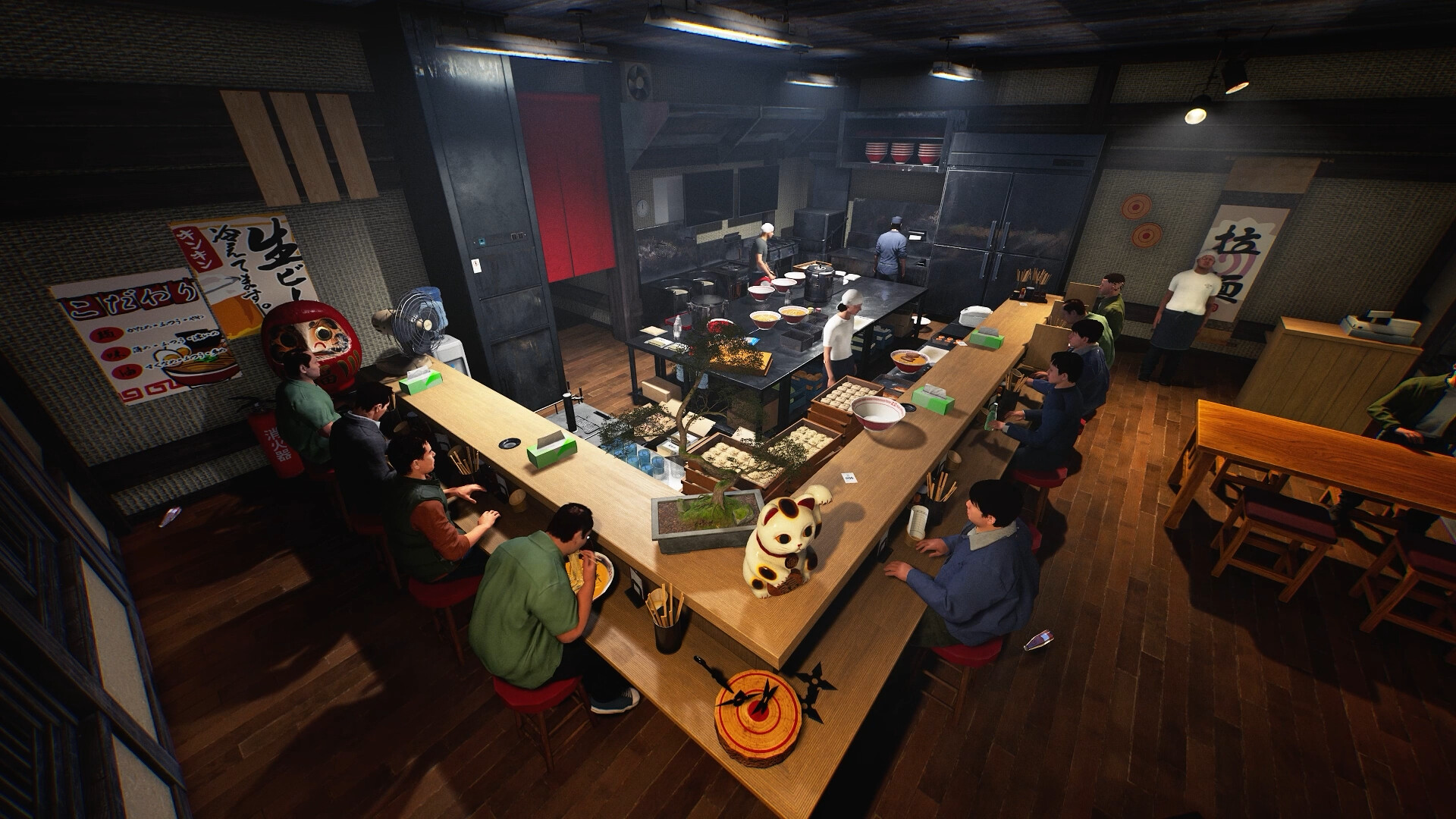
Updated 9 November 2026 from Wild Dog’s 6 November mini update, v0.1.74.19895, 5 November content update, v0.1.73.19851, and 30 October networking and staff update. These are developer-reported changes; our suggested routines are editorial advice.
Your first check
Moving eligible worktops and counters in Build Mode carries placed items with them. Selling equipment is a different action: from 5 November, selling a Rice Cooker also removes its attached Inner Pot; a pot already removed from the cooker remains. Inspect the selected action before confirming a change.

Inspect attachments before a sale
The new Rice Cooker rule explicitly distinguishes an attached Inner Pot from one already removed. Do not apply worktop movement behaviour to an equipment sale. If you intend only to rearrange the kitchen, identify the move action and selected object. If you intend to sell, decide what should remain and inspect the pot state first. This guide does not establish a refund value or promise recovery after the sale.
An absent preview has its own patch history
The 5 November notes repair the placement preview when relocating a Ticket Machine. They also fix Pendant Light placement. If a ghost preview is absent, record the object, action and installed build instead of describing all building as broken. A missing preview is different from a visible object that will not accept a particular destination.
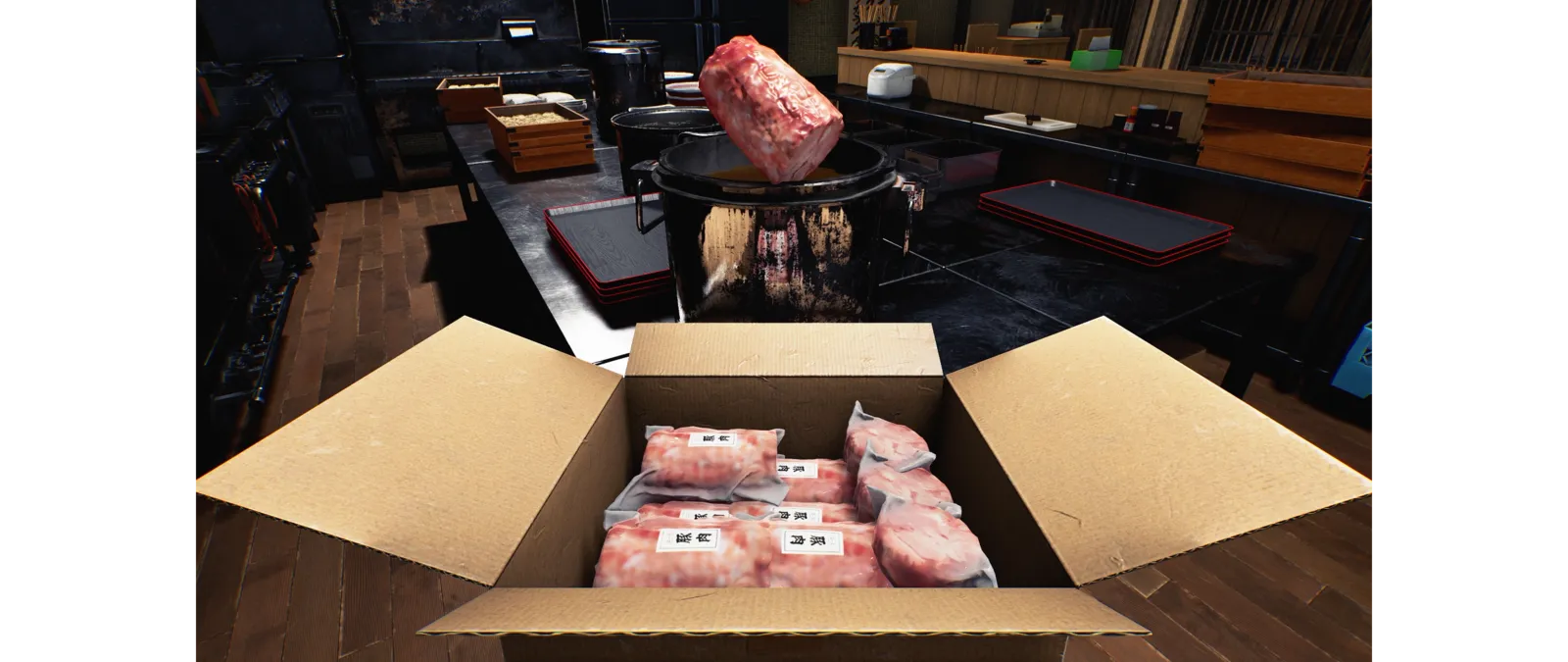
Check three things after a move
Inspect the furniture position, the items that were actually placed on it and the route used by people or staff. For the first comparison, move one surface and preserve a before-and-after view. In a shared shop, tell the other player what you are moving so an object they picked up is not mistaken for lost inventory. This is a way to isolate a discrepancy, not an unverified guarantee that every appliance carries every attachment.
The change follows items resting on furniture
The update names worktops, counters and similar furniture as surfaces whose placed items travel with them when moved in Build Mode. It does not publish an exhaustive compatibility list covering every appliance or loose object. Begin with the actual selected object's name and a clear view of what rests on it. A dish nearby or held by another player is not automatically an item placed on that surface. Record the starting arrangement if you are testing an uncertain case.
Make a small layout move first
Choose a destination you can inspect and perform one move rather than redesigning the entire kitchen in a single comparison. Check the surface and its contents afterwards. This is a suggested review routine, not a measured placement algorithm. If an object is missing or displaced, preserve the before and after arrangement and identify which item differs. Do not keep adding more moves before you have established the first discrepancy; a longer sequence makes a useful reproduction harder to reconstruct.
Check the service route as well as the furniture
A counter that reaches its destination can still leave a workflow you did not intend. Walk through the space and check access to the surrounding equipment before the next shift. The earlier 15 October patch also adjusts chair collision and refrigerator-door collision, but those changes do not prove that every new layout is accessible. If your serving or cleanup staff stops after a rearrangement, compare the movement stage with the relevant staff guide. Keep a furniture-placement issue separate from order staging or a worker's return route.
Keep a useful comparison
Use this sheet while you check the problem. Tick a row when you have recorded an observation, even if its outcome is still unresolved. Downloading creates a local text snapshot; it does not save your game or send a report.
| Check | What to record | Interpretation |
|---|---|---|
| Action and attachment | Move versus sell; Inner Pot attached versus removed | Selling the cooker removes its attached pot |
| Selected object | Worktop, counter or other furniture | Do not assume every object is equivalent |
| Contents | Items actually placed on top | Held and nearby items are separate |
| Move | One Build Mode destination | Keep before/after pictures |
| Afterwards | Contents and access routes | Successful placement is not a layout benchmark |
Watch the game in motion
These videos provide context for the kitchen and shop. Their presence does not verify the checks above. The cover images are credited game previews, not extracted video thumbnails.
GameTrailers / Wild Dog trailer · Source listing ↗
Official announcement preview. Use it to see the game in motion; it is not a walkthrough of this troubleshooting procedure.
Watch on YouTube ↗Miuneru / VOMS Project · Source listing ↗
Creator-listed Japanese gameplay session dated 14 October. Recorded before the 15 October update; background viewing, not proof of the new features.
Watch on YouTube ↗YouTube loads only when you press the play button. It can then receive your network and device information. Video privacy.
Questions before you retry
Does selling a Rice Cooker leave every Inner Pot behind?
No. The 5 November rule removes the attached pot. A pot already taken out remains.
Do I need to move each dish separately?
For the surfaces named in the update, items on top now move with the furniture.
Does every appliance support the same behaviour?
An exhaustive item list was not published in the source checked here.
Why check worker access after moving a counter?
It helps distinguish the arrangement you changed from a later serving or cleanup symptom.
Sources and update scope
15 October update v0.1.57.18549 ↗. Source reviewed 9 November 2026. An earlier official news check on 15 October returned v0.1.57.18549. For subsequent changes, compare the current patch reference. Patch notes are developer reports; community reports are player observations. Checklists and diagrams are our editorial suggestions.
This page has no release-build playtest, measured recipe or guaranteed workaround. Update it when Wild Dog changes the relevant mechanic or a reproducible report supplies better evidence. Send a correction with the source and version.