
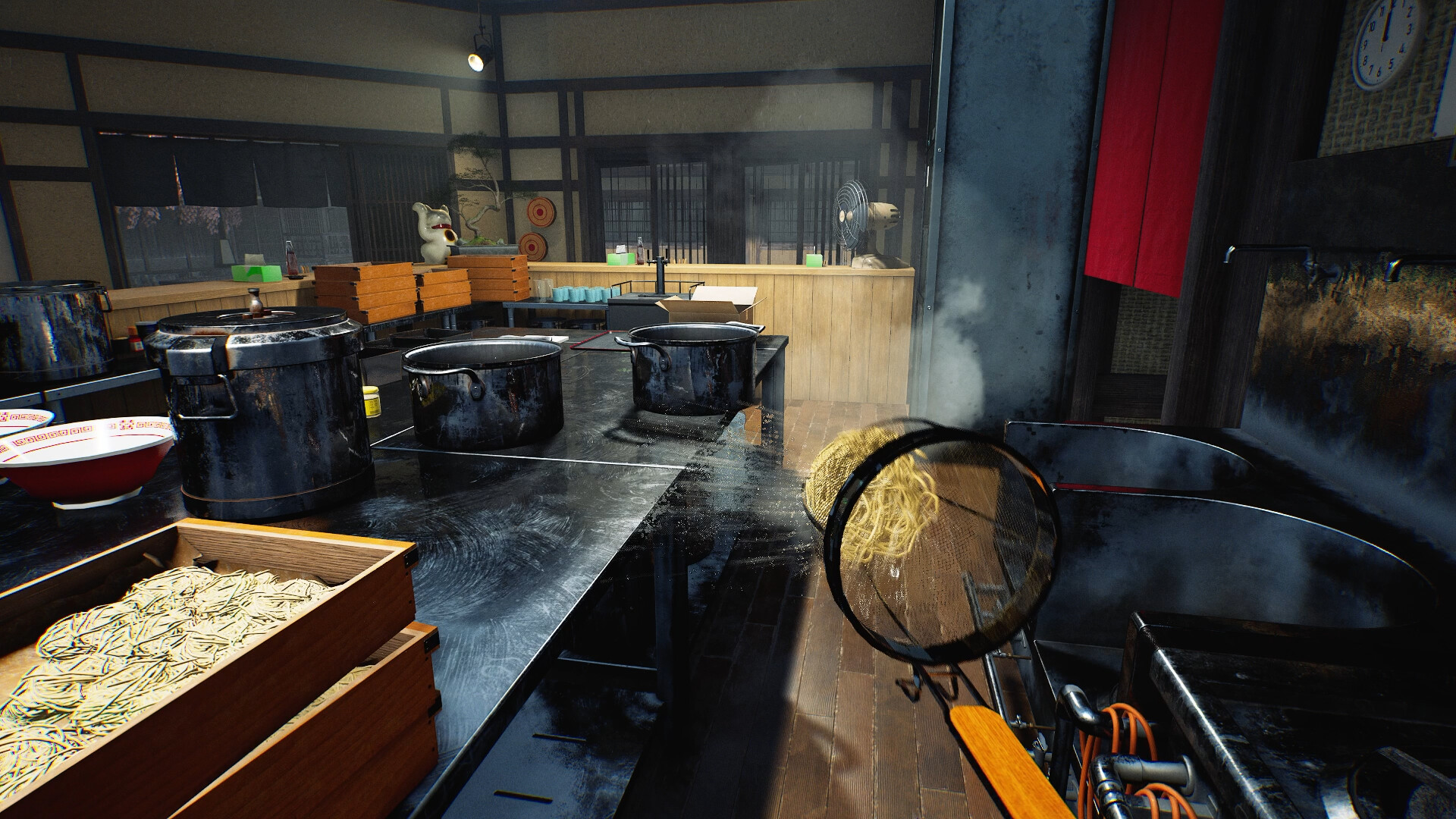
Updated 6 November 2026 from Wild Dog’s 6 November mini update, v0.1.74.19895, 5 November content update, v0.1.73.19851, and 30 October networking and staff update. These are developer-reported changes; our suggested routines are editorial advice.
Your first check
Version v0.1.74.19895 removes the Karaage tutorial step that waited for a customer order. Compare your build and active instruction before following older footage. The 5 November update adds separate outline colours for tutorial interactions, plus tutorials for Karaage and the Self-Service Water Dispenser.

6 November: stop following the removed waiting step
If your Karaage tutorial advice says to keep waiting for a customer order, check its date. Wild Dog removed that step in v0.1.74.19895. The remaining instruction in your updated game is the useful starting point. If another action still fails, capture that exact prompt and the item involved; the fix names a particular waiting step, not every possible tutorial state.
5 November: use the tutorial-specific outline
Tutorial interactions now have a different outline colour from ordinary interactions. Use that distinction to identify the requested target among nearby objects, then read the action shown. The developer also added tutorials for Karaage and the Self-Service Water Dispenser. Their equipment requirements differ: Level 15 for the Karaage setup and Level 14 for the water dispenser. Do not borrow an older My Ramen requirement for either one.
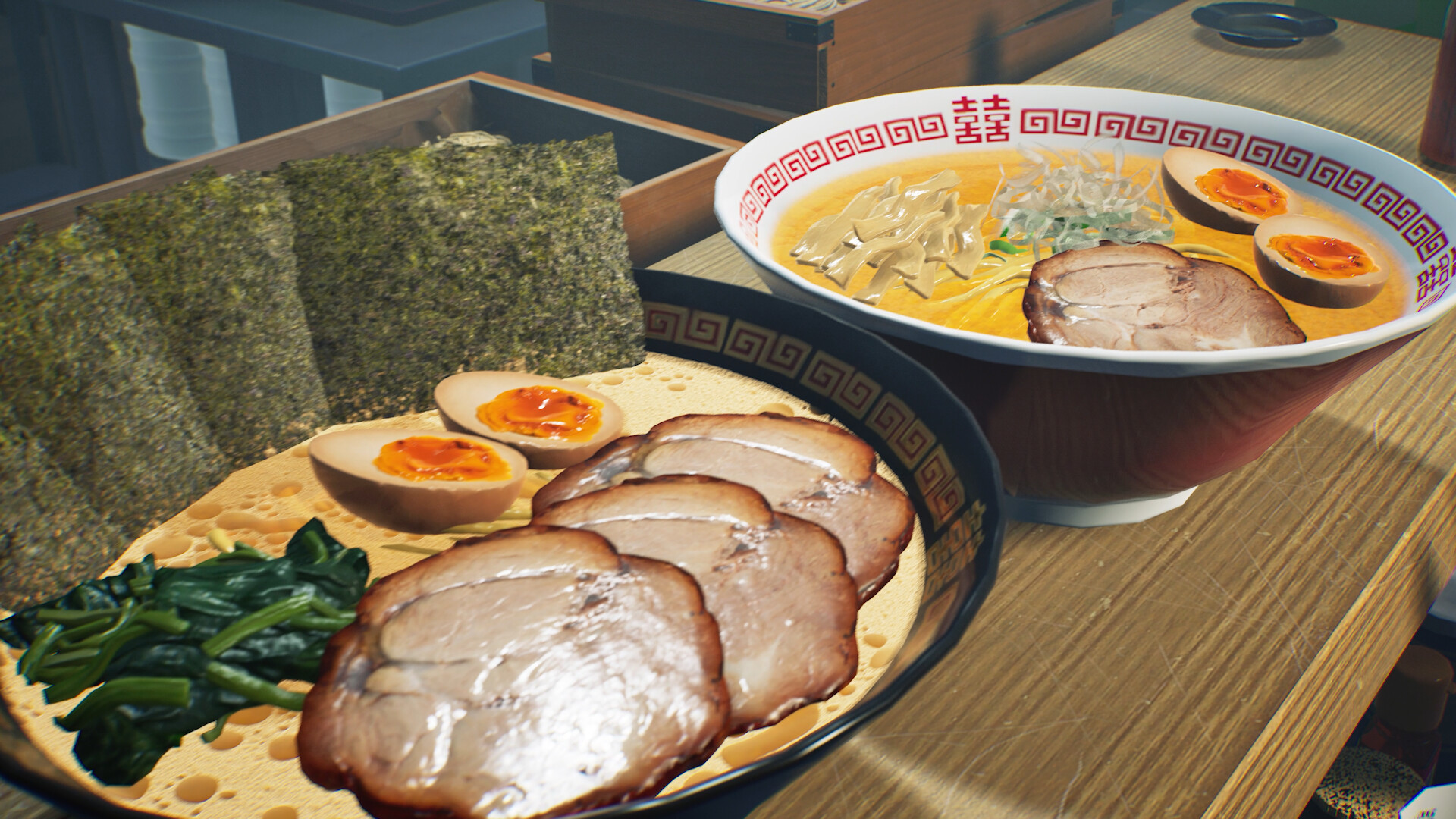
28 October: actions completed before the prompt are now recognised
The Staff Dishwasher placement tutorial can now complete when the equipment was already installed. The fire tutorial also receives a fix for cases where the extinguisher had already been bought or the fire had been put out early. If either describes your save, identify the installed build and the current instruction before buying duplicate equipment or trying to recreate the accident. These are developer-reported repairs to specific states, not a universal promise that every tutorial blocker has disappeared.
Separate the free first order from eligibility
The new notes say the free first order offered by tutorials becomes available as soon as the unlock requirements are met. If you purchased the item beforehand, the related tutorial still starts and recognises that purchase as progress. Record the level or other condition shown, the purchase timing and the step currently displayed. The patch also improves explanations for discarding soup or ramen and ordering replacement ingredients. Follow the current explanation when remaking food instead of guessing that any discarded item will advance any objective.
Read the current instruction before replaying actions
A tutorial can feel stuck because its condition is not met, its message is waiting, or its completed action has not been recognised. Start with the actual text visible on screen and the object it requests. Write down what you did and what you expected to happen. This produces a clear comparison rather than a list of everything you tried. Keep a screenshot of the instruction with the surrounding interface; a cropped notification can omit the level, day or item that explains the state.
Track eligibility and display timing separately
For My Ramen, write down when you reached the required level and whether the next business morning has arrived. Also record any Staff instruction currently displayed. The source describes eligibility and prompt priority, so reaching the level should not be treated as proof that an immediate interruption is required. For other tutorials, use their own visible conditions rather than borrowing the My Ramen level. If several steps are happening close together, track them individually in the table below.
Check recognition with a small sequence
Choose one requested action, perform it according to the current prompt, and note the resulting instruction or lack of change. An equipment interaction, food pickup and customer delivery may be separate stages. If an earlier action was completed before a prompt appeared, retain that timing in your report; do not keep buying replacement supplies without knowing what the objective checks. A useful report explains one failure in order. Mention the build, session type, shop level, business-day stage and exact objective so others can compare like with like.
Keep a useful comparison
Use this sheet while you check the problem. Tick a row when you have recorded an observation, even if its outcome is still unresolved. Downloading creates a local text snapshot; it does not save your game or send a report.
| Check | What to record | Interpretation |
|---|---|---|
| Instruction | Exact text currently displayed | Do not diagnose an unseen future step |
| Eligibility | Level, day and requested item | Different tutorials have different conditions |
| Action | What happened immediately before failure | Keep the sequence short |
| Recognition | Message before and after the action | A completed action may differ from a completed objective |
Watch the game in motion
These videos provide context for the kitchen and shop. Their presence does not verify the checks above. The cover images are credited game previews, not extracted video thumbnails.
GameTrailers / Wild Dog trailer · Source listing ↗
Official announcement preview. Use it to see the game in motion; it is not a walkthrough of this troubleshooting procedure.
Watch on YouTube ↗Miuneru / VOMS Project · Source listing ↗
Creator-listed Japanese gameplay session dated 14 October. Recorded before the 15 October update; background viewing, not proof of the new features.
Watch on YouTube ↗YouTube loads only when you press the play button. It can then receive your network and device information. Video privacy.
Questions before you retry
Do I still need a customer order for the Karaage waiting step?
That named step was removed on 6 November. Use the active instruction in the current build.
Does Level 4 guarantee an immediate My Ramen prompt?
No. The published timing can extend to the next business morning.
Should I restart the restaurant?
No verified universal restart remedy is supplied here. First isolate the instruction and retain your progress.
What if the refrigerator step is the problem?
Use the dedicated refrigerator guide to compare the item with the tutorial's exclusions.
Sources and update scope
10 October update v0.1.50.17746 ↗. Source reviewed 6 November 2026. An earlier official news check on 15 October returned v0.1.57.18549. For subsequent changes, compare the current patch reference. Patch notes are developer reports; community reports are player observations. Checklists and diagrams are our editorial suggestions.
This page has no release-build playtest, measured recipe or guaranteed workaround. Update it when Wild Dog changes the relevant mechanic or a reproducible report supplies better evidence. Send a correction with the source and version.