
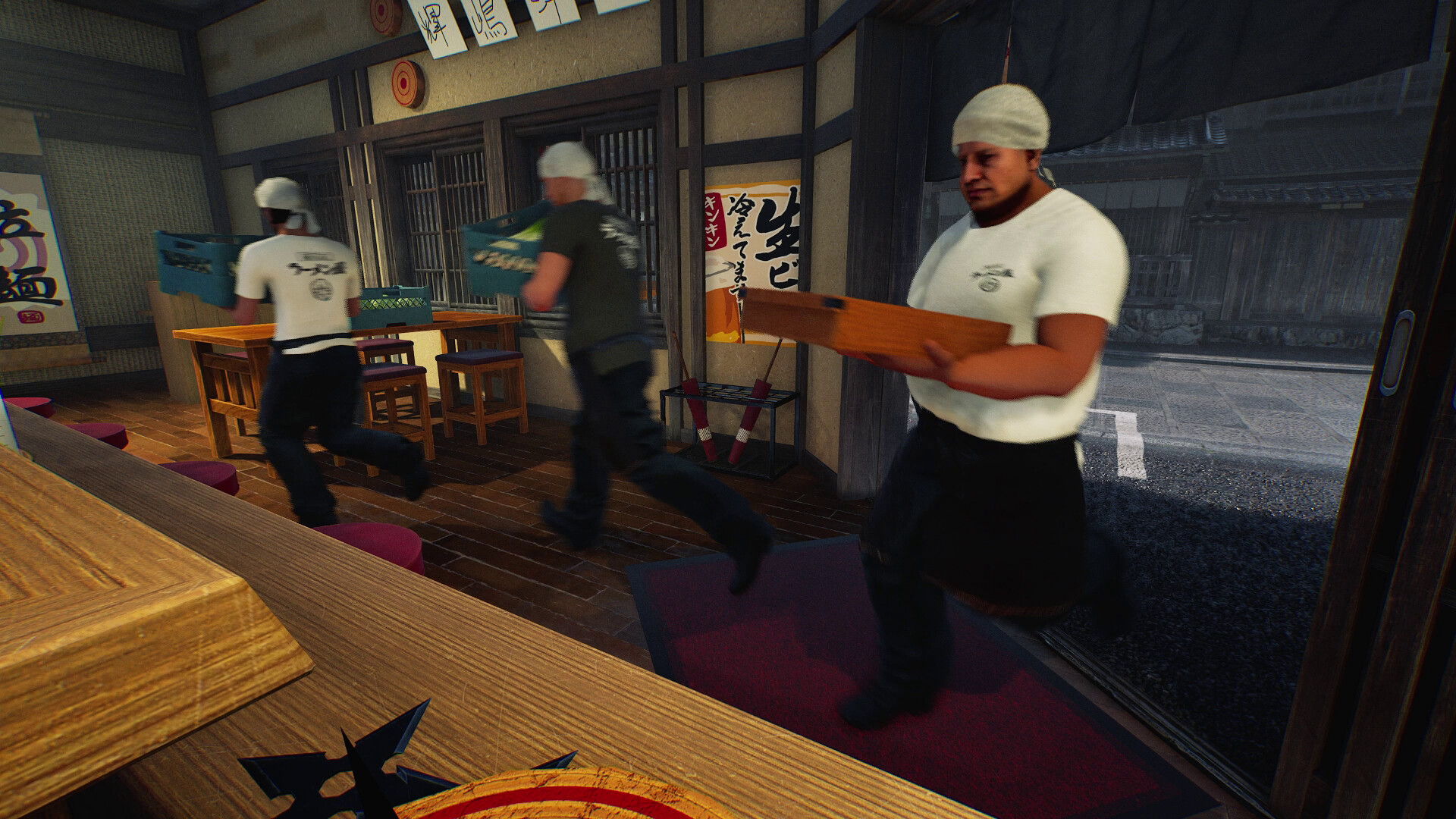
This guide was prepared from earlier notes. The new build adds world controls, serving staff and further fixes. Check the current patch before following an older procedure.
Your first check
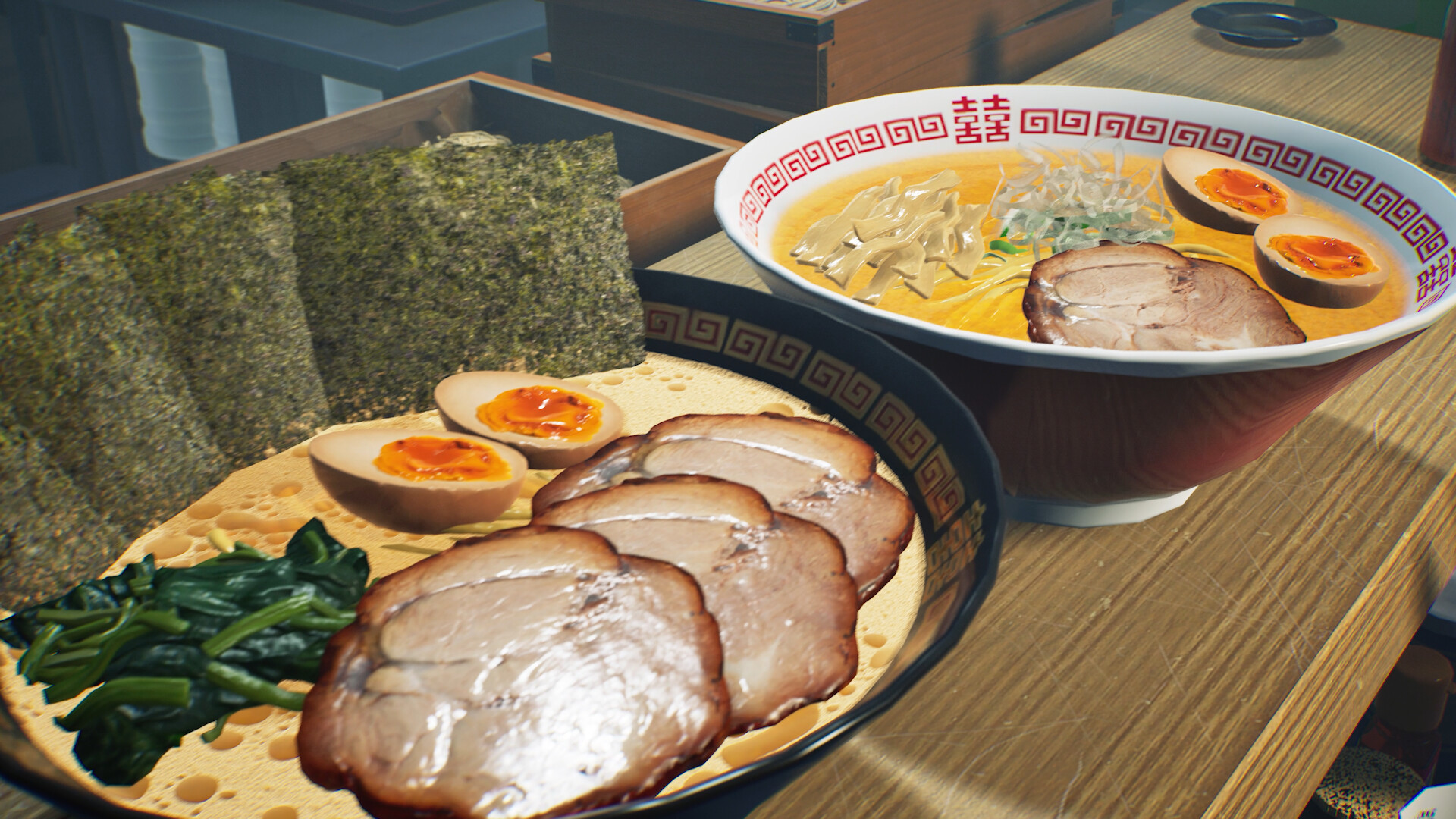
Check the order wording and purchase catalogue separately. A new player report describes missing menma, but no official unlock level or guaranteed fix was found in the sources checked today.

Start with the item the order actually names
A missing ingredient is easiest to investigate while the original order is still visible. Photograph or capture the complete order panel, including the dish name and requested toppings. Then compare that wording with the catalogue rather than relying on the appearance of a finished bowl. A similar-looking topping in a screenshot cannot identify the exact item the game is requesting. In a shared shop, ask another player to read the order before either person changes the menu or purchases supplies.
Make the catalogue check reproducible
Record whether the entry is absent, visible but locked, visible but unavailable, or already owned. Those four outcomes need different explanations. Check any category or search selection shown by your current interface, then retain a picture of the list you inspected. We have not established a menu path that every build uses, so this guide does not prescribe a hidden button. If a lock or message appears, preserve its wording and the displayed shop level instead of treating every purchase failure as the same bug.
Use the community report as a comparison
The report seen today is evidence that someone encountered the symptom, not proof that every Level 4 shop has it. Compare your own observations: same order, same level, same catalogue outcome and same solo or co-op context. If any condition differs, say so when asking for help. Avoid buying unrelated ingredients in the hope of forcing an unlock; a purchase that happens before progress resumes is not automatically its cause. Keep the current save so a remaining problem can be investigated without losing the restaurant.
Keep a useful comparison
Use this sheet while you check the problem. Tick a row when you have recorded an observation, even if its outcome is still unresolved. Downloading creates a local text snapshot; it does not save your game or send a report.
| Check | What to record | Interpretation |
|---|---|---|
| Order | Exact dish and topping text | Do not substitute a visually similar ingredient |
| Catalogue | Absent, locked, unavailable or owned | Do not treat these as one failure |
| Progression | Shop level and active tutorial | No verified menma level is supplied here |
| Session | Solo, host or joining player | Compare what each player can see |
Watch the game in motion
These videos provide context for the kitchen and shop. Their presence does not verify the checks above. The cover images are credited game previews, not extracted video thumbnails.
GameTrailers / Wild Dog trailer · Source listing ↗
Official announcement preview. Use it to see the game in motion; it is not a walkthrough of this troubleshooting procedure.
Watch on YouTube ↗Miuneru / VOMS Project · Source listing ↗
Creator-listed Japanese gameplay session dated 14 October. Recorded before the 15 October update; background viewing, not proof of the new features.
Watch on YouTube ↗YouTube loads only when you press the play button. It can then receive your network and device information. Video privacy.
Questions before you retry
Does menma definitely unlock at Level 4?
We have not verified that. Level 4 is the level in the player's report, not a confirmed menma unlock.
Is restarting a guaranteed fix?
No verified restart procedure was found. Keep your progress and first capture the order and catalogue state.
Where should I send a continuing issue?
Use the Steam community with the version, level, order screenshot and catalogue screenshot. You can also send this site a correction with a primary source.
Sources and update scope
Steam community question ↗. Source reviewed 14 October 2026. An earlier official news check on 15 October returned v0.1.57.18549. For subsequent changes, compare the current patch reference. Patch notes are developer reports; community reports are player observations. Checklists and diagrams are our editorial suggestions.
This page has no release-build playtest, measured recipe or guaranteed workaround. Update it when Wild Dog changes the relevant mechanic or a reproducible report supplies better evidence. Send a correction with the source and version.