
This guide was prepared from earlier notes. The new build adds world controls, serving staff and further fixes. Check the current patch before following an older procedure.
Your first check
Carry up to five tare bottles, but hold one for pouring. The stack display reflects the top bottle rather than every bottle's contents.

Use stacking for transport, then select the ingredient
Moving supplies and making a bowl are separate jobs. After carrying stock to the preparation area, identify the bottle you intend to use for the current order before pouring. The larger carrying allowance is a convenience for moving items; it does not turn the entire stack into one ingredient. In a shared shop, say which bottle is being placed for the next order so someone else does not mistake a transport pile for a ready-to-use portion.
Read the next item instead of estimating the pile
A stack can contain bottles with different remaining quantities. Check the bottle taken next and preserve the display if its quantity appears unexpected. Do not multiply one displayed amount by the number of bottles and present the result as a measured inventory total. When investigating a mismatch, compare the selected bottle before and after removal from the stack. Keep the sequence small and record whether a save-load or another player's interaction occurred between those observations.
Run a recipe comparison without inventing ratios
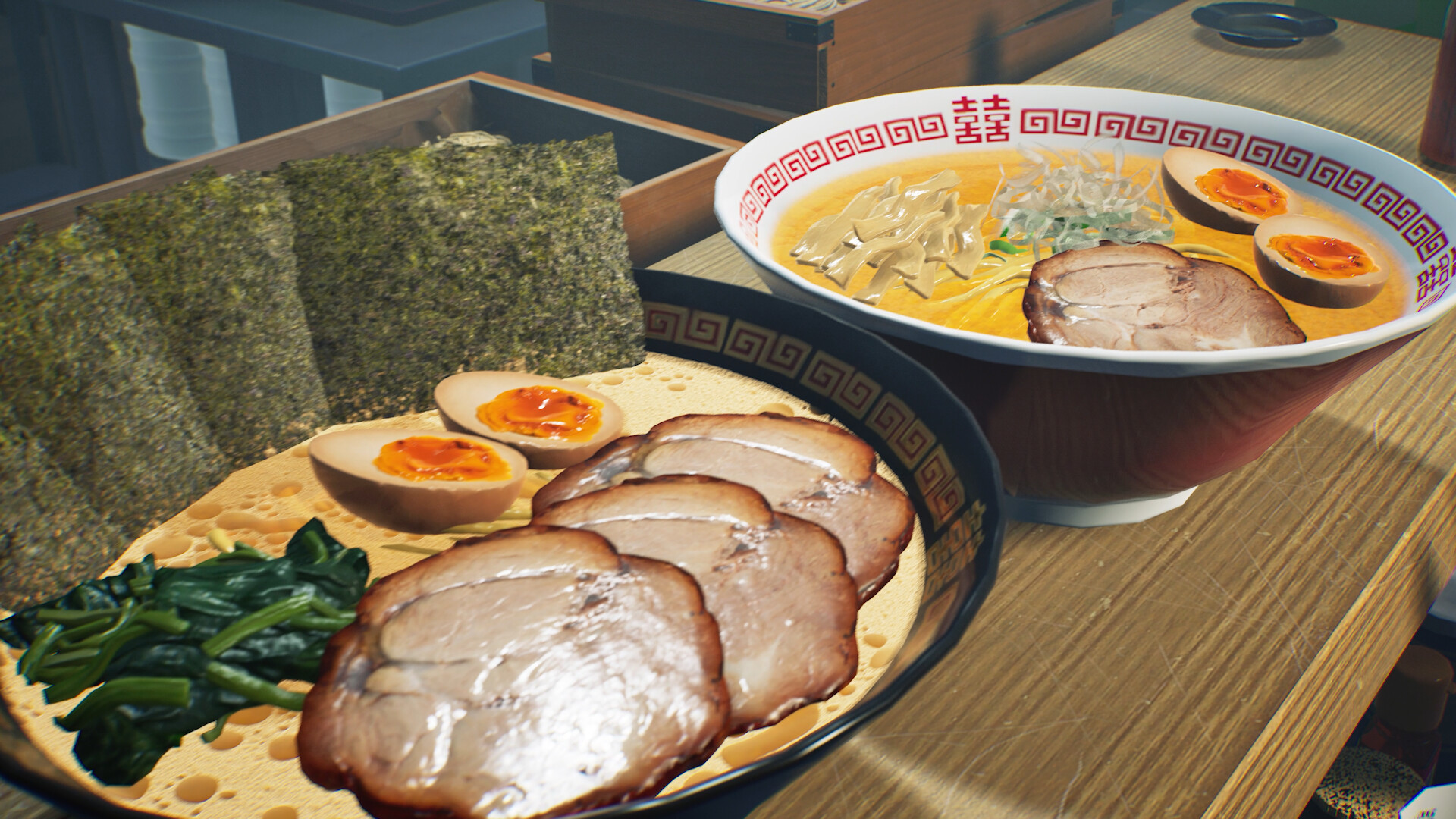
For a custom bowl experiment, record the ingredient you chose and the feedback the game actually gives. Change one component at a time, while keeping the remaining order comparable. This page supplies no verified millilitre quantity or perfect Tantanmen formula. A cooking video can show an action, but a preview or another player's successful bowl cannot establish a universal recipe for your current order. Use the current prompt and customer feedback to make the next comparison meaningful.
Keep a useful comparison
Use this sheet while you check the problem. Tick a row when you have recorded an observation, even if its outcome is still unresolved. Downloading creates a local text snapshot; it does not save your game or send a report.
| Check | What to record | Interpretation |
|---|---|---|
| Transport | Number of bottles carried | Different from the pouring action |
| Selection | Individual bottle and remaining amount | Do not assume a stack total |
| Pour | Current order and offered interaction | No exact ratio is asserted |
| Feedback | Comment before the next experiment | Change one ingredient at a time |
Watch the game in motion
These videos provide context for the kitchen and shop. Their presence does not verify the checks above. The cover images are credited game previews, not extracted video thumbnails.
GameTrailers / Wild Dog trailer · Source listing ↗
Official announcement preview. Use it to see the game in motion; it is not a walkthrough of this troubleshooting procedure.
Watch on YouTube ↗Miuneru / VOMS Project · Source listing ↗
Creator-listed Japanese gameplay session dated 14 October. Recorded before the 15 October update; background viewing, not proof of the new features.
Watch on YouTube ↗YouTube loads only when you press the play button. It can then receive your network and device information. Video privacy.
Questions before you retry
Can I pour using the whole stack?
The developer instruction specifies one held bottle for pouring.
Does the gauge describe every bottle?
The launch notes describe the topmost item that will be taken next.
Where are Tantanmen unlocks documented?
The patch guide and kitchen reference retain the versioned unlock table; those levels are distinct from a measured recipe.
Sources and update scope
9 October Day 1 update v0.1.48.17626 ↗. Source reviewed 14 October 2026. An earlier official news check on 15 October returned v0.1.57.18549. For subsequent changes, compare the current patch reference. Patch notes are developer reports; community reports are player observations. Checklists and diagrams are our editorial suggestions.
This page has no release-build playtest, measured recipe or guaranteed workaround. Update it when Wild Dog changes the relevant mechanic or a reproducible report supplies better evidence. Send a correction with the source and version.