
Your next step
The drink-storage tutorial now checks for at least one of every specified drink type in the refrigerator. The patch also fixes recognition of supplies in the back room and deliveries brought inside while still on a cart.

Count types before counting bottles
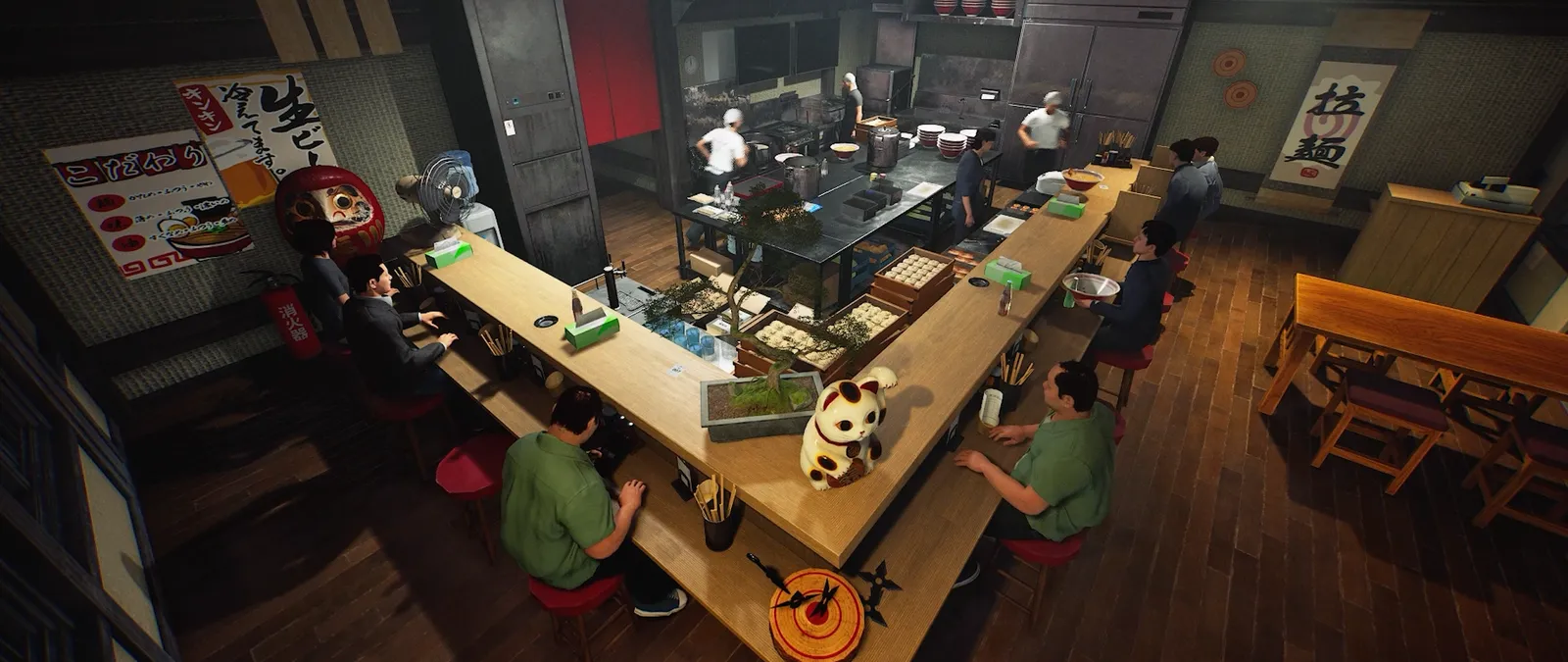
A full refrigerator is not enough information to diagnose the tutorial. The revised condition requires at least one of each drink type named by the current instruction. Compare those names with what is actually inside the refrigerator. Several bottles of the same type do not establish that every requested type is present. Keep a small list and mark each type separately before buying more stock. This guide does not prescribe a fixed shopping list because the on-screen requirement is the relevant evidence.
Check location and delivery recognition
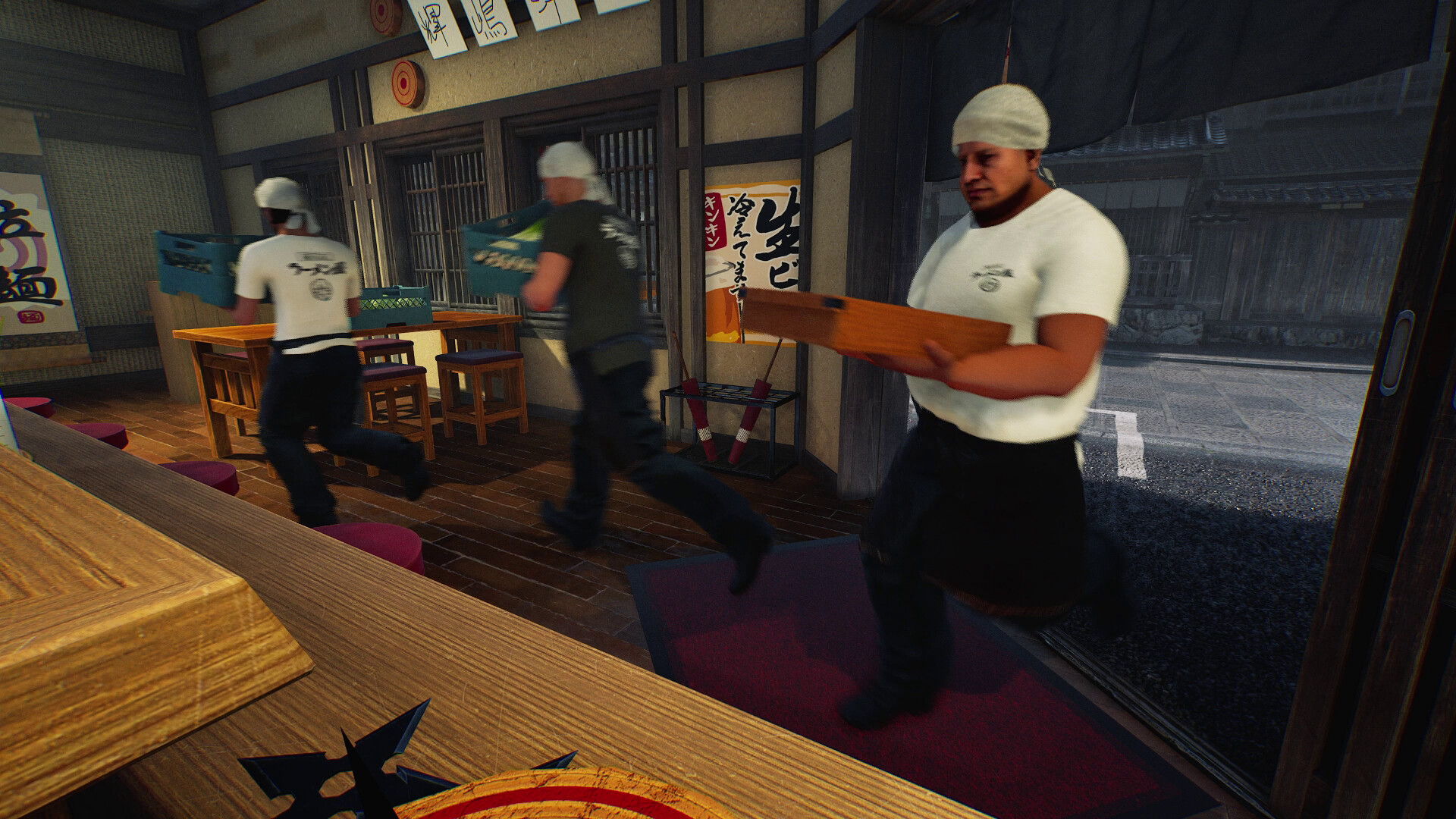
The 15 October notes say supplies brought into the shop on a cart now count as delivered. They also fix instructions failing to recognise supplies placed in the back room or stored in the refrigerator. Delivery recognition and storage completion remain different checks: the first concerns getting supplies inside; the second concerns their required destination and types. Note which instruction is still displayed so you can tell which stage has not advanced.
Avoid losing the useful prompt
Before moving everything again, record the current text and the names of the drinks you placed. A screenshot of the open refrigerator plus a written list is more useful than saying the tutorial is stuck. If the expected condition appears satisfied on the updated build but the prompt does not change, preserve that mismatch for a report. The notes name fixes, but they do not prove that every tutorial interruption has the same cause. Use the separate tutorial guide for the broader level and prompt-priority checks.
Your reference sheet
| Check | What to record | What it tells you |
|---|---|---|
| Instruction | Every specified drink type | Match names individually |
| Fridge | At least one of each | Quantity alone is insufficient |
| Delivery | Inside shop; cart or back room | Separate arrival from storage |
| Result | Current prompt and build | Keep evidence if it does not advance |
The sheet stays in the open page. Download saves a text copy on your device; it does not change your game or send us a report.
Before your next shift
Does one bottle of any drink complete it?
No. The notes say at least one of each specified drink type.
Must I unload a cart outside first?
The update says supplies brought into the shop while still on a cart count as delivered; storage has its own requirements.
Source and scope
15 October patch v0.1.57.18549 ↗. Reviewed 19 October 2026. Mechanic descriptions come from Wild Dog’s released notes. Our worksheet is an editorial aid; no timed playtest or numerical benchmark is claimed.