
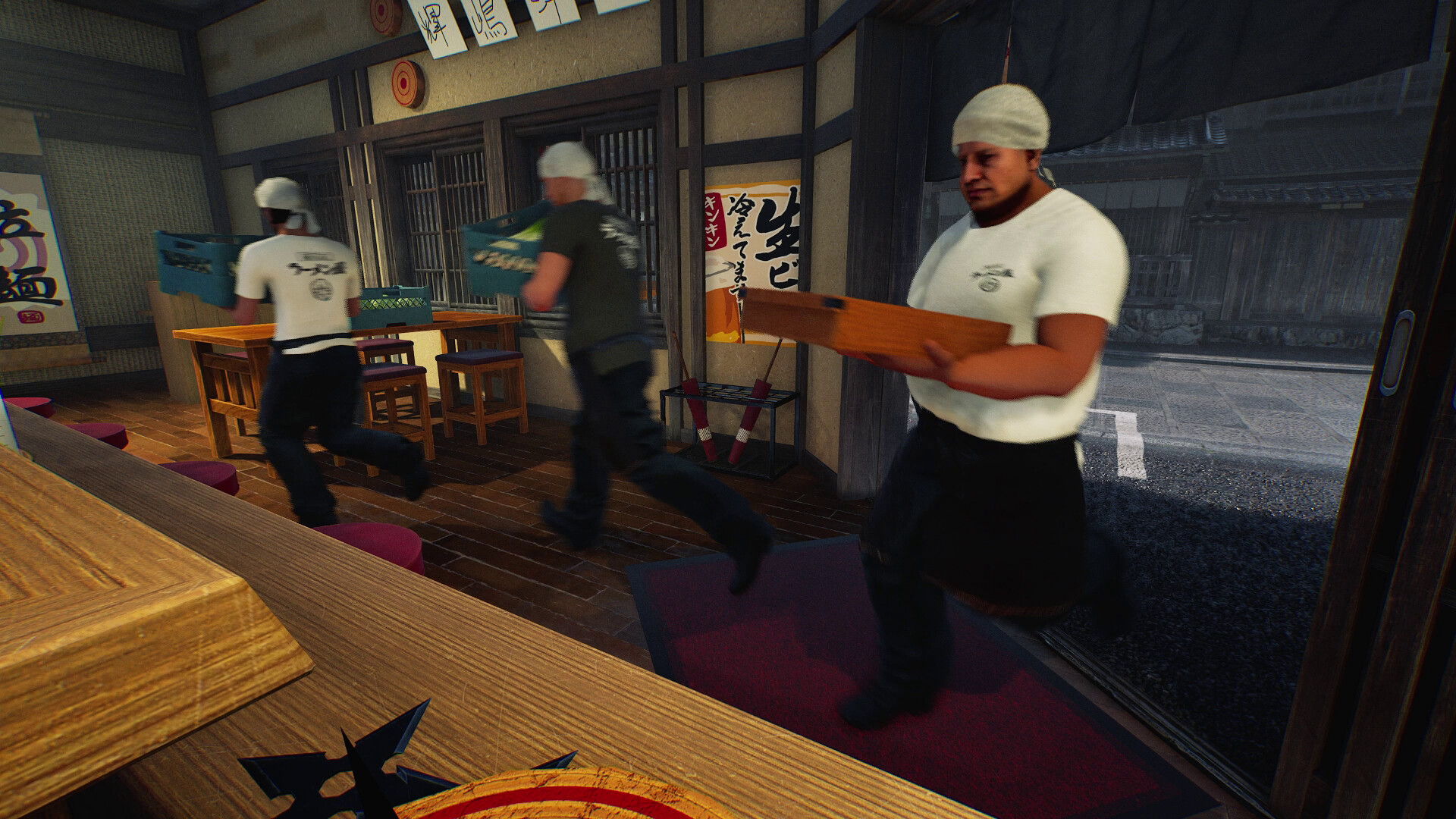
This guide was prepared from earlier notes. The new build adds world controls, serving staff and further fixes. Check the current patch before following an older procedure.
Your first check
Identify whether the handle, steering or a collision is failing. Day 1 adjusted turning and reversing and reduced unexpected disengagement near obstacles.

Begin with a route you can describe
Choose a short route between two recognisable landmarks and note the load you are carrying. Separate getting hold of the cart from moving it and stopping it. If the handle cannot be operated, preserve the current prompt before diagnosing steering. If it disengages after contact, record the contact point. A vague report that the cart is awkward combines several different interactions and makes it difficult to compare your experience with the developer's named changes.
Compare reversing and turning deliberately
Try a small movement in a clear area before mixing a tight turn with a loaded delivery. Record the intended direction and what happened, including whether the cart was still moving forward when reversing began. The update changed how inputs behave during that transition, so an older clip can show different handling. This is a suggested observation sequence, not a claim that the cart has a hidden calibration procedure or a fixed best speed.
Record the obstacle rather than blaming the whole layout
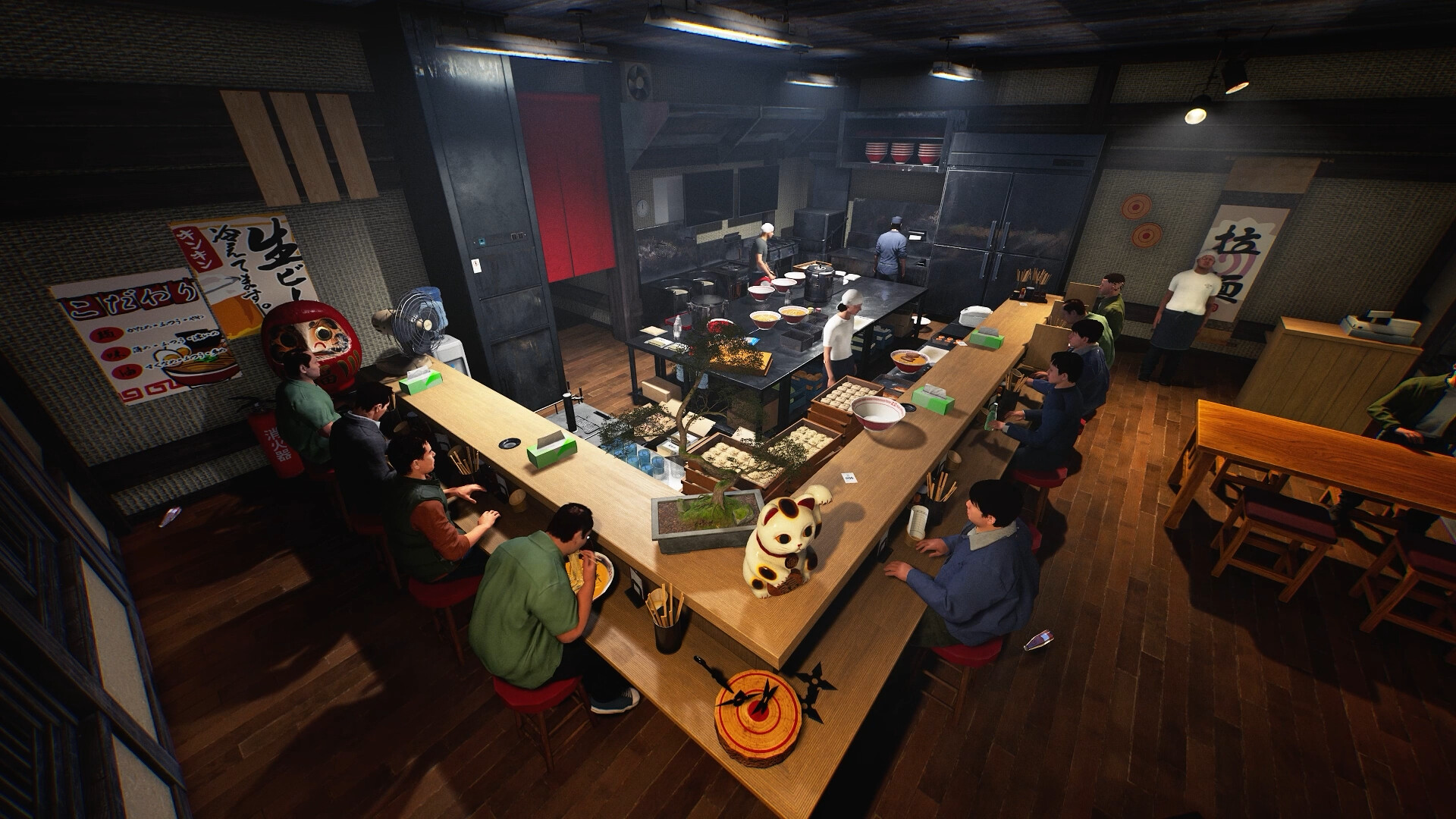
If a problem appears beside a step, slope or wall, keep a picture of that location and note the approach direction. Compare the same route with one controlled change if you choose to investigate further. Do not redesign the whole restaurant before determining where the interaction fails. For objects that seem displaced after contact, distinguish what you observed from what you infer; a missing item is not by itself proof that it went below the floor. Include the session type when comparing with another player.
Keep a useful comparison
Use this sheet while you check the problem. Tick a row when you have recorded an observation, even if its outcome is still unresolved. Downloading creates a local text snapshot; it does not save your game or send a report.
| Check | What to record | Interpretation |
|---|---|---|
| Handle | Prompt and whether control engages | Separate from movement |
| Movement | Forward, turn or reverse | Describe the intended input |
| Contact | Step, slope, wall or object | Keep a location picture |
| Result | Stops, disengages or displaces an item | Avoid merging different symptoms |
Watch the game in motion
These videos provide context for the kitchen and shop. Their presence does not verify the checks above. The cover images are credited game previews, not extracted video thumbnails.
GameTrailers / Wild Dog trailer · Source listing ↗
Official announcement preview. Use it to see the game in motion; it is not a walkthrough of this troubleshooting procedure.
Watch on YouTube ↗Miuneru / VOMS Project · Source listing ↗
Creator-listed Japanese gameplay session dated 14 October. Recorded before the 15 October update; background viewing, not proof of the new features.
Watch on YouTube ↗YouTube loads only when you press the play button. It can then receive your network and device information. Video privacy.
Questions before you retry
Should an old beta clip define current handling?
No. Compare its version with the launch adjustments.
Are all collision issues fixed?
The developer reports reductions, not a guarantee covering every possible route.
Does this guide give a fastest delivery route?
No benchmark was performed. It helps you identify and explain a specific handling problem.
Sources and update scope
9 October Day 1 update v0.1.48.17626 ↗. Source reviewed 14 October 2026. An earlier official news check on 15 October returned v0.1.57.18549. For subsequent changes, compare the current patch reference. Patch notes are developer reports; community reports are player observations. Checklists and diagrams are our editorial suggestions.
This page has no release-build playtest, measured recipe or guaranteed workaround. Update it when Wild Dog changes the relevant mechanic or a reproducible report supplies better evidence. Send a correction with the source and version.