
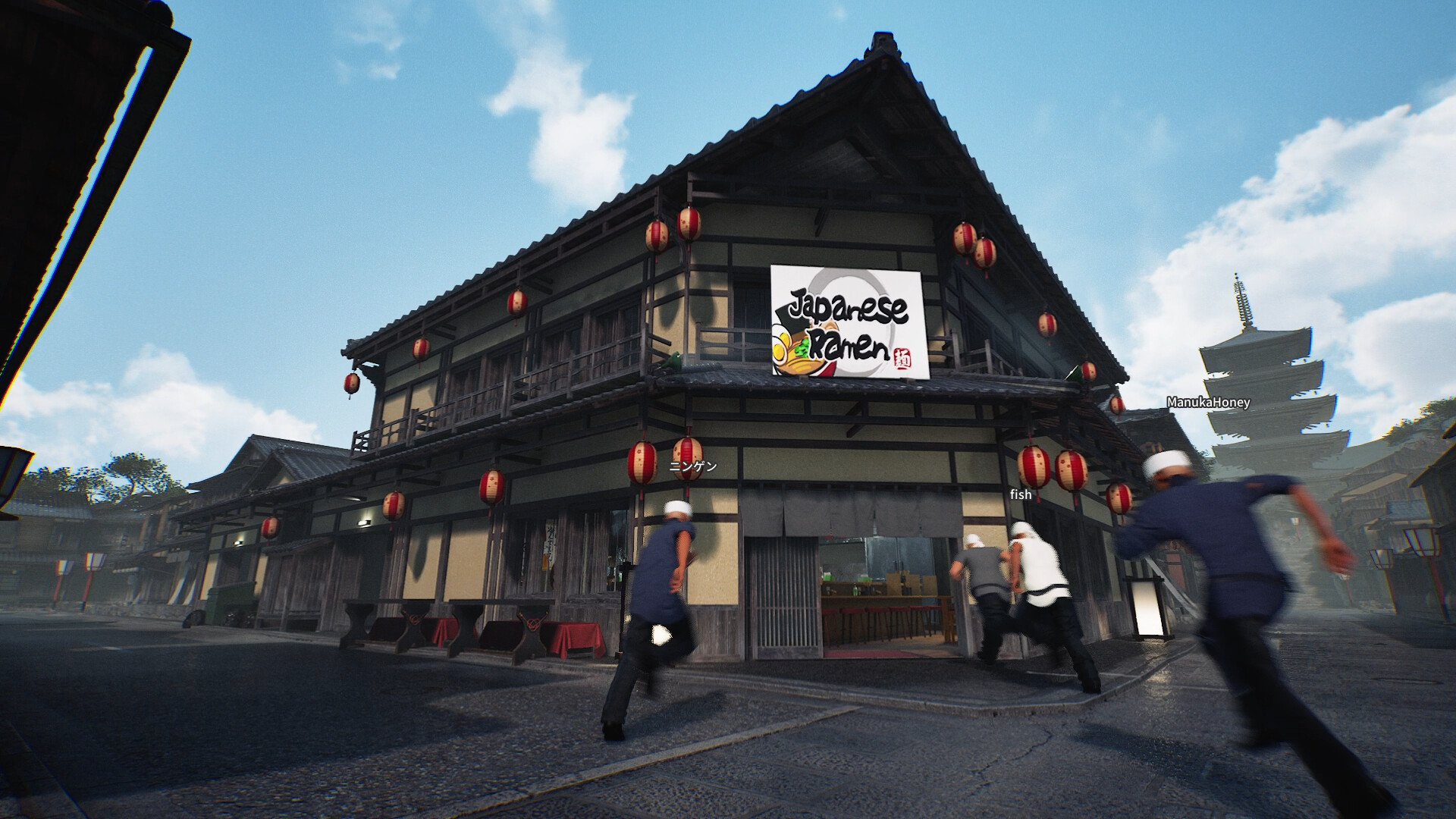
All players must use the same multiplayer networking mode.
Wild Dog added EOS and Steam Networking options on 30 October. The host and joining players must choose the same mode, restart after changing it, and use a newly generated invite code. If an invite belongs to a different mode, the game can prompt you to switch and restart, then fill in the code for you to join.
Keep these distinctions clear
| Question | Confirmed information |
|---|---|
| Where to compare | Options → Multiplayer networking |
| Available choices | EOS or Steam Networking |
| Who must match | Host and every joining player |
| After changing | Restart; host generates a new invitation |
| Automatic mismatch flow | Switch/restart prompt, then prefilled code and Join |
| Pause menu | Pauses solo gameplay from 5 November; does not pause multiplayer |
Ask the host one useful question
Before repeating an invite, compare the setting labelled “Multiplayer networking” in Options. The new selection offers EOS or Steam Networking. Everyone in the session, including the host, needs the same mode; knowing only that you all own the game is not enough to check this requirement.
Keep the visible build and mode with your notes. If two players can join and another cannot, compare their settings before reorganising the entire session. The update does not declare one mode universally faster or better for every region. A mode choice is a compatibility check, not proof of the cause of every connection failure.
If you change modes, restart and replace the old invite
The official instructions include a restart after changing the setting. The host should then generate a new invite code for the new networking mode. An old code belongs to the earlier setup, so repeatedly distributing it can preserve the very mismatch you are trying to remove.
A practical team message is: “We are using Steam Networking; restart after switching, then use the new code.” Replace the named mode with the one your group actually chose. Send the code privately to the intended players; there is no reason to post a live invitation in a public troubleshooting comment.
Agree on mode → restart after a change → host makes a fresh invite → players join. This sequence comes from the released instructions.
Let the mismatch prompt finish its sequence
The game now detects an invitation for a different networking mode and prompts you to switch and restart. After the restart, the invite code is filled automatically and you can select Join. Seeing the code in the field is a step in that process, not proof that you have already joined the restaurant.
If the sequence fails, note whether the prompt appeared, whether the restart happened, whether the code returned and what happened after Join. This gives a useful stopping point. Do not treat an unrelated shelf or dish problem after entering the shop as the same event as failing to connect.
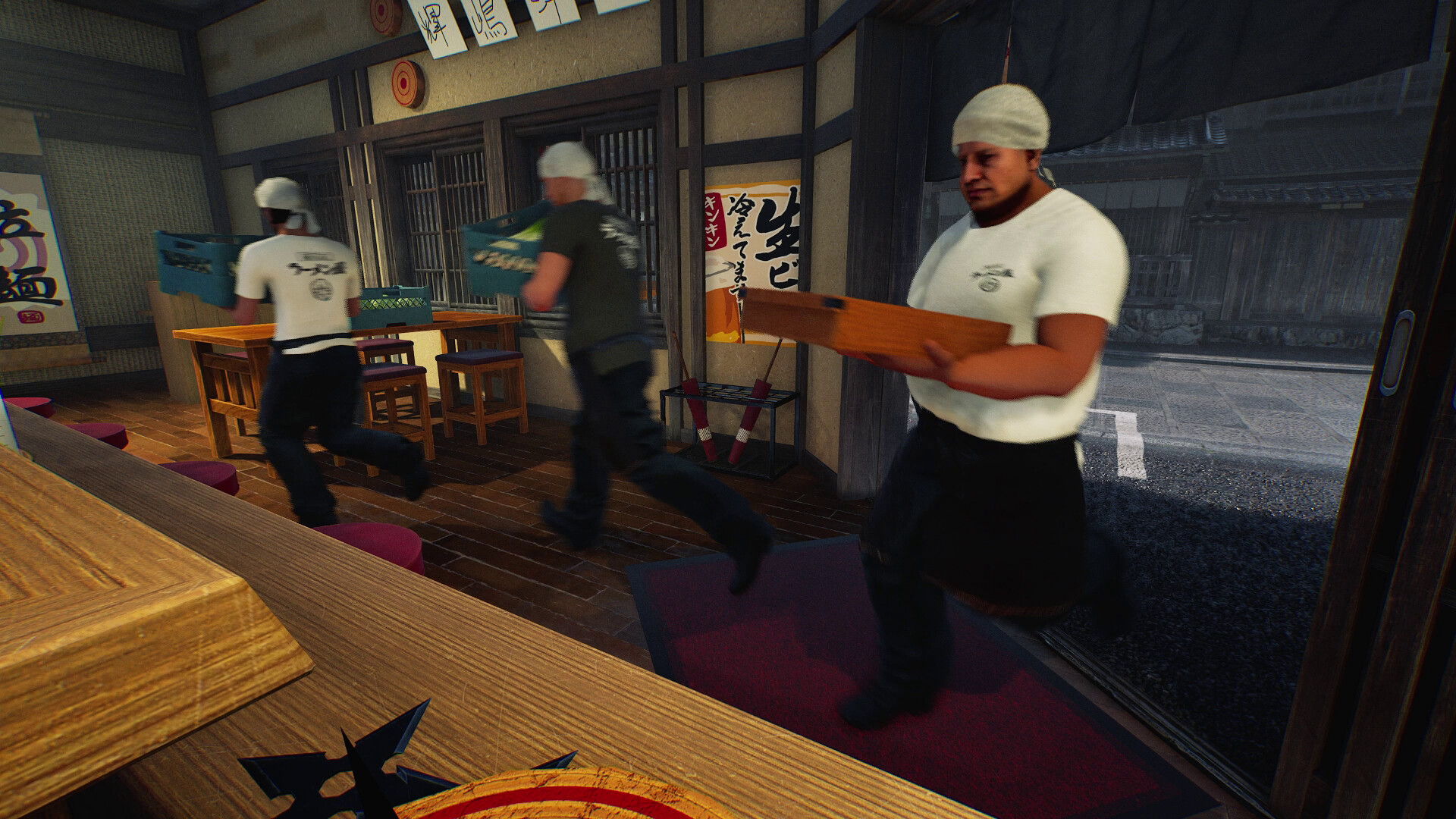
Separate joining the shop from objects behaving correctly
The same 30 October update fixes shelf misalignment and falling dishes for joining players. Those issues occur inside a session and should be described separately from the invitation stage. A successful connection does not by itself prove that every object remains synchronised.
The 6 November cup-service and workstation fixes are later changes again. For a report, name the object and the action, and say whether you were hosting or joining. “Multiplayer is broken” gives less information than “I joined successfully, then this object moved when I tried this action.”
One important limit while the group checks settings
The 5 November patch makes the pause menu stop time and gameplay in solo mode. It explicitly does not pause multiplayer. Coordinate with your group before opening menus during a live shift; do not assume the shop has stopped because one player is in Options.
If matching modes, restarting and using a fresh invite still does not work, retain the exact error and the smallest repeatable sequence for support. These documented requirements are a sensible first check, not a guaranteed cure or a reason to delete a world save.
Before you change your setup
Which mode is the best?
The notes do not establish a universally best mode. Start by making the entire group match.
Can I keep using the invite generated before a switch?
Generate a fresh code after the mode change, as the developer instructs.
Does opening Options pause the shared shop?
No. The pause-menu freeze added on 5 November applies to solo, not multiplayer.
Sources, version and editorial scope
Updated 6 November 2026 from Wild Dog’s 6 November mini update, v0.1.74.19895, 5 November content update, v0.1.73.19851, and 30 October networking and staff update. These are developer-reported changes; our suggested routines are editorial advice.
Earlier feature and background sources: Wild Dog’s 28 October update, v0.1.63.19293, the official Steam store description and the developer’s game overview. The patch text was retrieved from the official Steam news API; its publication timestamp is 28 October, 12:11 UTC.
Feature availability, conditions and version changes come from the developer. Suggested comparisons and team routines are our editorial advice. We have not measured this build’s throughput, earnings or control behaviour in a playtest. Send a correction with a source and build.