
Your next step
The 15 October patch adds an alternative respawn spot when the usual position is blocked and fixes an elevator that could not be placed again after moving.

Keep a route through your layout
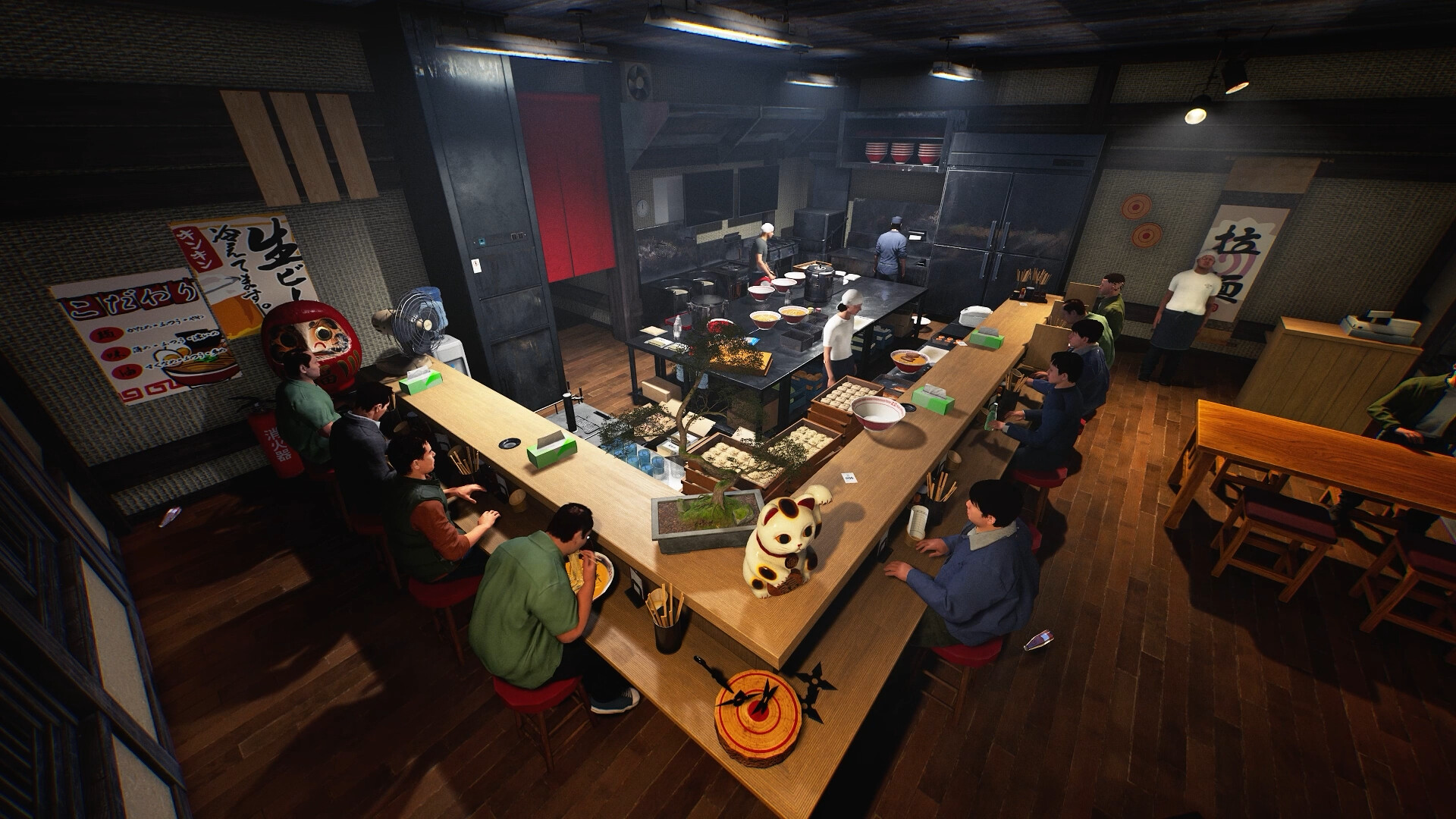
Before rearranging a crowded shop, look for carts and furniture near the position where players normally return. Leave a usable route through the room while testing a layout. This is a practical planning suggestion, not a claim about a required clearance distance. We have not measured a minimum corridor width or proved that any particular arrangement prevents all movement problems.
Describe a respawn failure on its own
If a player still returns to an unusable location, record who hosted, what blocked the usual position and where the player appeared. Compare with a clear area before moving the entire kitchen. Avoid deleting furniture at random: a simple before-and-after picture of the obstruction makes a much more useful report than a list of unrelated rebuilds.
Record the elevator placement state
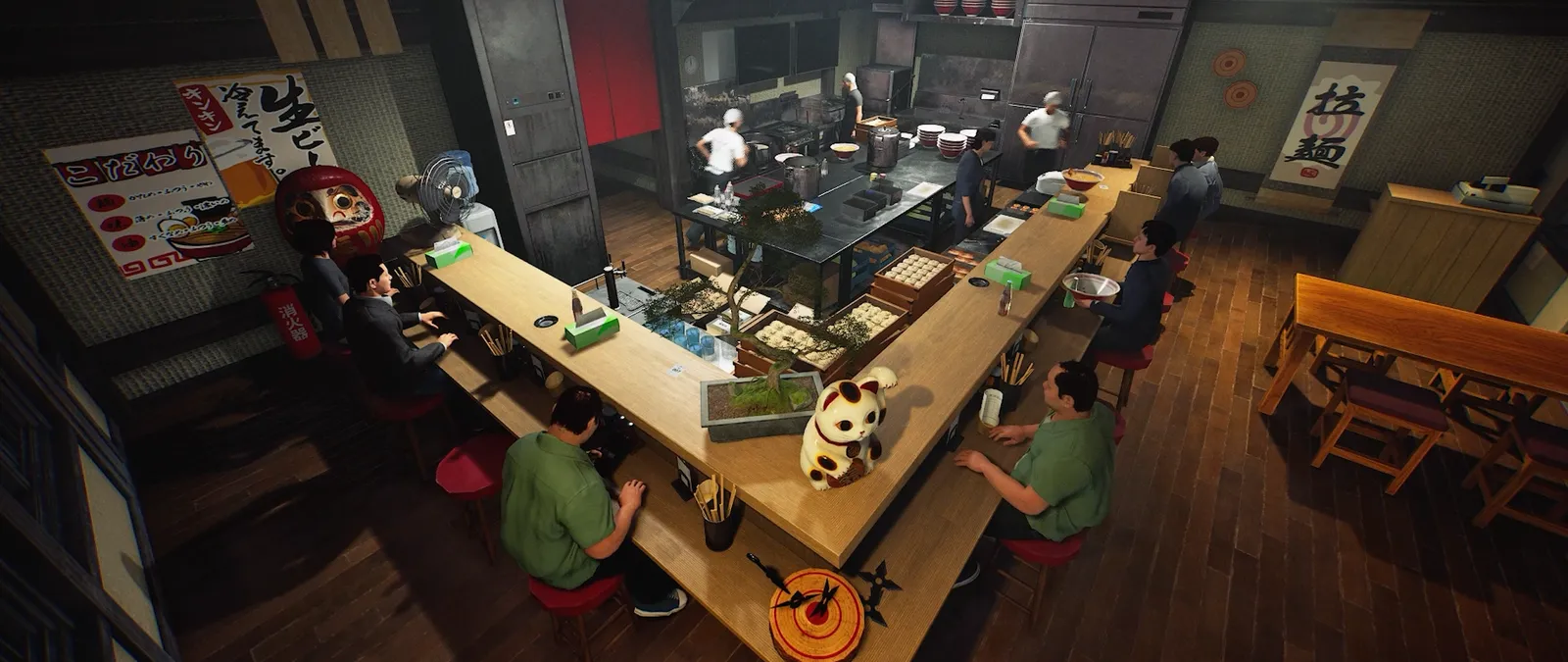
For an elevator that refuses placement after moving, keep a picture of the preview and nearby obstacles. Note whether it was a newly purchased object or an existing one being repositioned. A collision warning is different from an object that no longer offers a placement action. The patch names a specific moved-elevator fix; it does not justify claiming every placement restriction is a bug or promising a universal rebuild workaround. For a shared shop, ask another player to describe the same location before changing it. Agreement about the exact object and position makes comparisons clearer than simply saying the upstairs area is broken.
Your reference sheet
| Check | What to record | What it tells you |
|---|---|---|
| Build | Record the installed version | Compare with the dated patch |
| Symptom | Write the exact screen or failed action | Keep observation separate from explanation |
| Comparison | Change one thing and record the result | Preserve a reproducible report |
The sheet stays in the open page. Download saves a text copy on your device; it does not change your game or send us a report.
Before your next shift
Is this a newly released 20 October feature?
No. This reference was published on 20 October and explains the linked 15 October patch.
Has this procedure been playtested here?
No. The developer-reported change is sourced; the diagnostic and planning checklist is editorial guidance.
Source and scope
Wild Dog — 15 October v0.1.57.18549 notes ↗. Reviewed 20 October 2026. Mechanic descriptions come from Wild Dog’s released notes. Our worksheet is an editorial aid; no timed playtest or numerical benchmark is claimed.