
Your next step
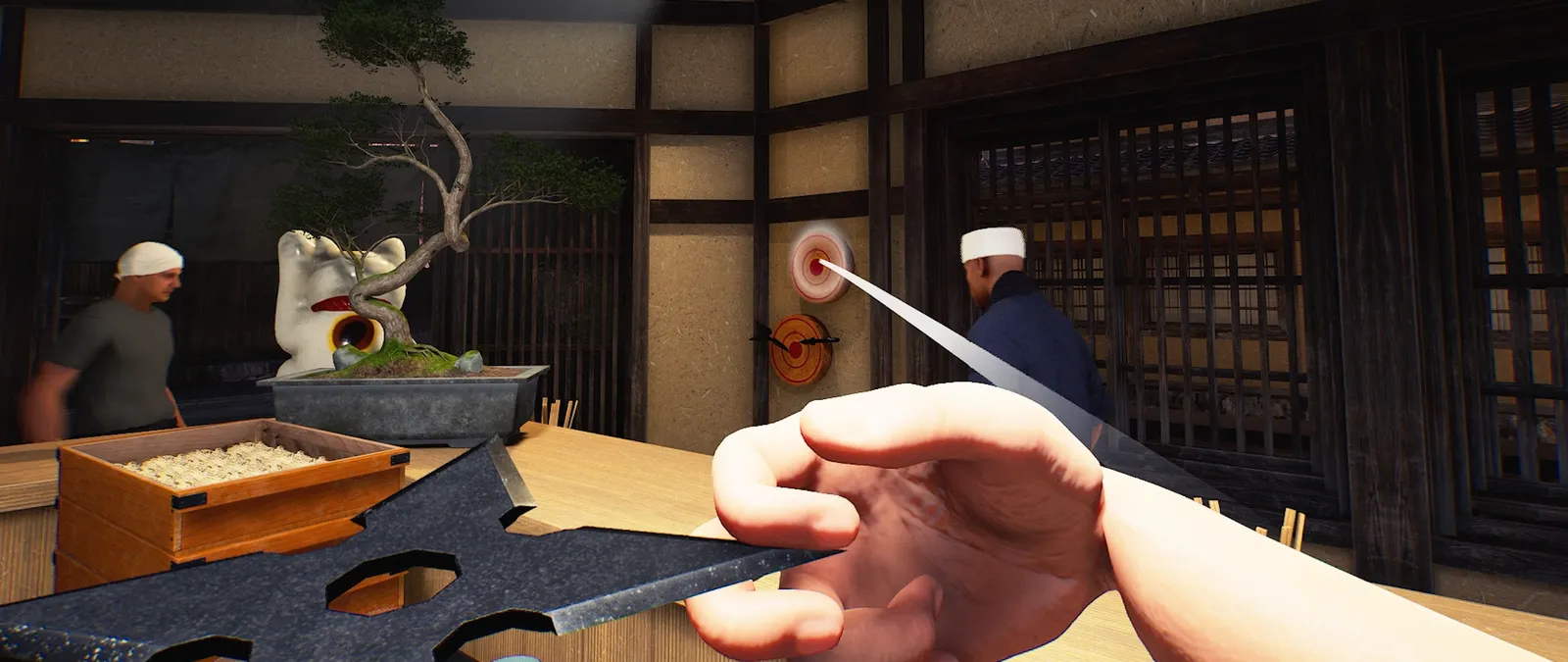
In the 15 October update, Throw Mode hides the centre crosshair and keeps the throw gauge visible even when a throw is not charging.

Identify the mode on screen
Before assuming the interface has disappeared, check whether you entered Throw Mode. Compare the controls displayed in that mode with those shown during ordinary carrying. Record the object and the input that switched modes. This makes it possible to distinguish an intended interface change from a missing prompt elsewhere in the game.
Observe without risking a busy shift
If you want to learn the display, choose a quiet moment and an object you can safely retrieve under the current game rules. Observe the gauge before charging, during charging and after release. We have not measured a universal throw distance or recommended charge amount. Do not infer an exact range from the appearance of a gauge in an edited creator video.
Keep pickup and throwing reports separate
The same patch lists a fix for immediately retrieving a just-thrown item through normal pickup. If you still see an unexpected pickup, describe the release and pickup inputs in order, including whether you were host or guest. A screenshot of the gauge helps explain the mode; a short action sequence explains the interaction. Neither a missing centre marker nor a changed pickup response alone establishes a broken save. When sharing the result, include the full interface in your picture. That lets another player see which mode was active and avoids confusion with a normal carrying or building prompt.
Your reference sheet
| Check | What to record | What it tells you |
|---|---|---|
| Build | Record the installed version | Compare with the dated patch |
| Symptom | Write the exact screen or failed action | Keep observation separate from explanation |
| Comparison | Change one thing and record the result | Preserve a reproducible report |
The sheet stays in the open page. Download saves a text copy on your device; it does not change your game or send us a report.
Before your next shift
Is this a newly released 20 October feature?
No. This reference was published on 20 October and explains the linked 15 October patch.
Has this procedure been playtested here?
No. The developer-reported change is sourced; the diagnostic and planning checklist is editorial guidance.
Source and scope
Wild Dog — 15 October v0.1.57.18549 notes ↗. Reviewed 20 October 2026. Mechanic descriptions come from Wild Dog’s released notes. Our worksheet is an editorial aid; no timed playtest or numerical benchmark is claimed.