
Your next step
The update says food placed closer to counter-seat customers can now be served to them. Customers also choose matching dishes even if a tray contains other food or tableware.

Start with the customer and the order
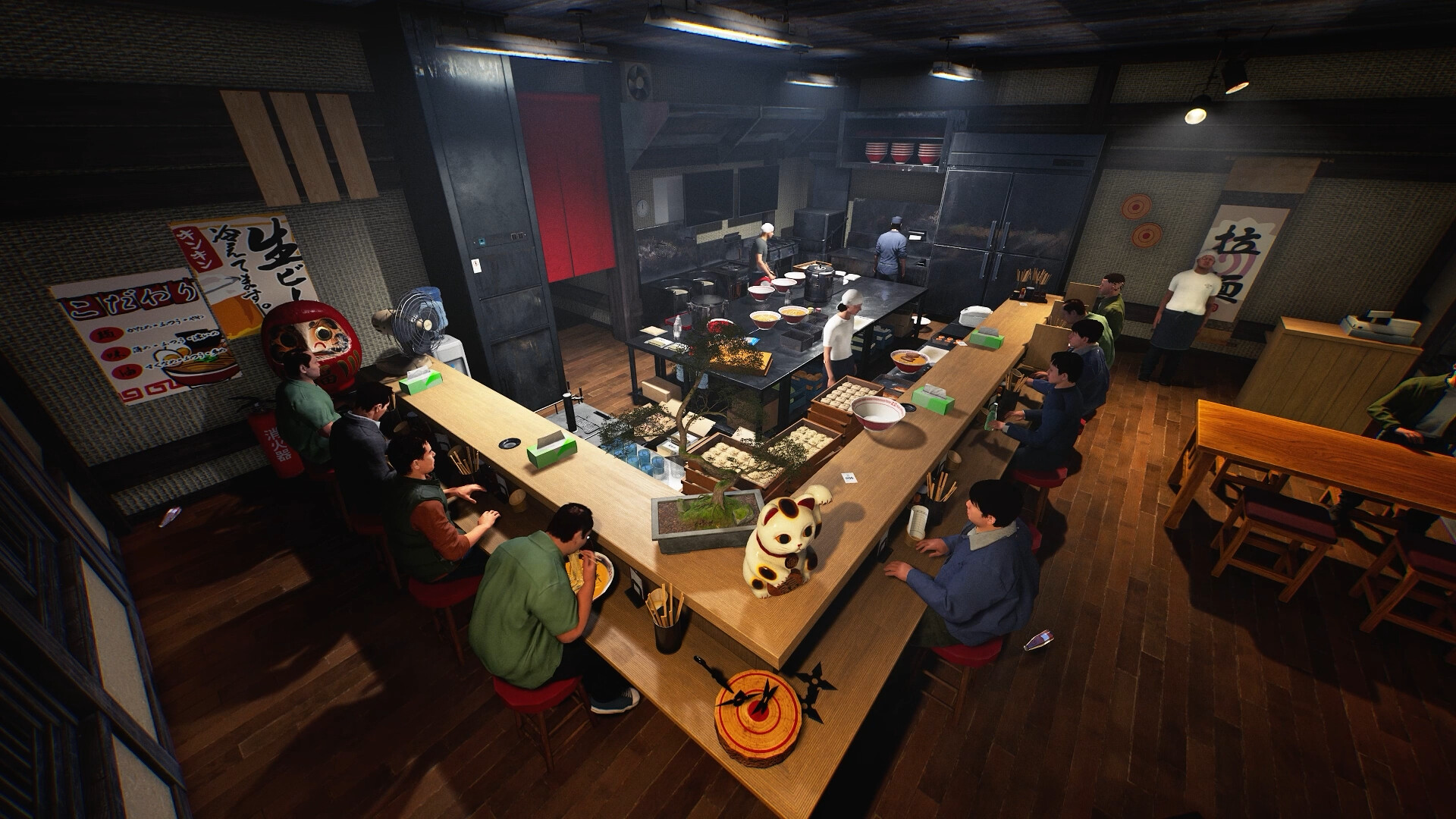
The new counter-seat rule concerns where food is placed relative to a seated customer. It does not publish a distance in centimetres or a guaranteed snap zone. Read the requested dish first and place it deliberately for the intended seat. If the customer does not start eating, keep the order and the food position in view together; a wide kitchen shot alone cannot show whether the correct dish was offered to that person.
Distinguish matching from an empty tray
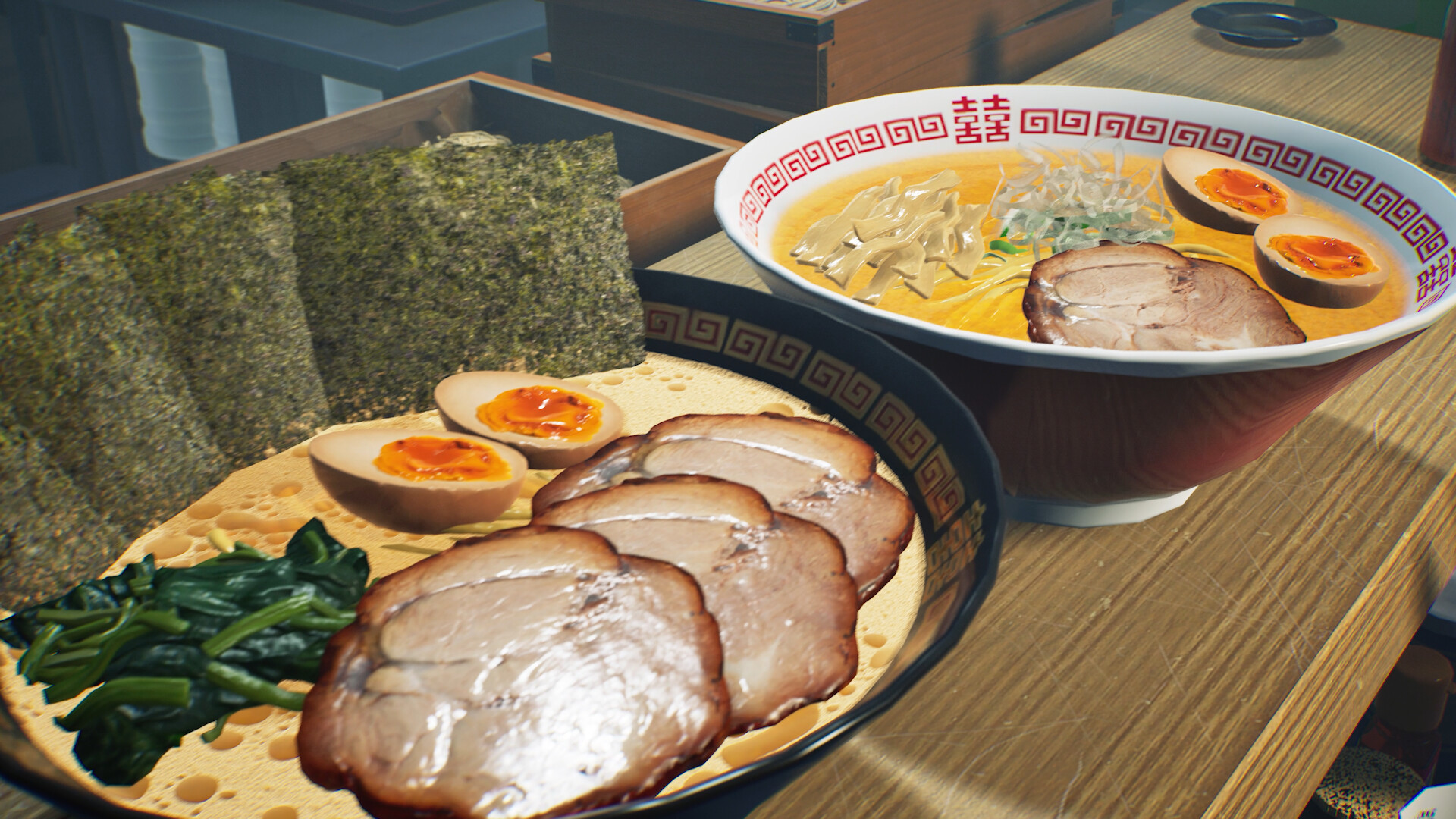
The patch says customers can pick the dishes matching their order even when the tray includes additional food or tableware. That removes one earlier source of rejection, but it does not turn an unrelated dish into a correct one. A useful check is whether the expected food remains on the tray, is taken by the intended customer or is still waiting for a different order. Record that outcome before removing and rebuilding the entire set.
Keep a readable handoff in busy service
Even with more permissive matching, assigning one visible area to an intended order is easier for your team to understand. That is our organisation suggestion rather than a required tray layout. If you use the Serving Staff Workstation, follow its separate requirement to stage ramen and ordered sides. If the customer eats and then complains, move to the rating text: order acceptance, topping mismatch and cooking quality are different observations.
Your reference sheet
| Check | What to record | What it tells you |
|---|---|---|
| Target | Customer seat and order | Identify the intended recipient |
| Placement | Food position near that seat | No exact distance is published |
| Tray | Matching and extra items | Extra items no longer prevent matching alone |
| Outcome | Eating or exact complaint | Separate acceptance from quality |
The sheet stays in the open page. Download saves a text copy on your device; it does not change your game or send us a report.
Before your next shift
Must a tray contain only the ordered food?
The update allows customers to select matching dishes even when other food or tableware is present.
How close must food be?
The notes describe closer placement but do not specify a measured distance.
Source and scope
15 October patch v0.1.57.18549 ↗. Reviewed 19 October 2026. Mechanic descriptions come from Wild Dog’s released notes. Our worksheet is an editorial aid; no timed playtest or numerical benchmark is claimed.