
Your next step
The 15 October update adds icons that distinguish chicken, pork and beef varieties of rich soup.

Read the label alongside the icon
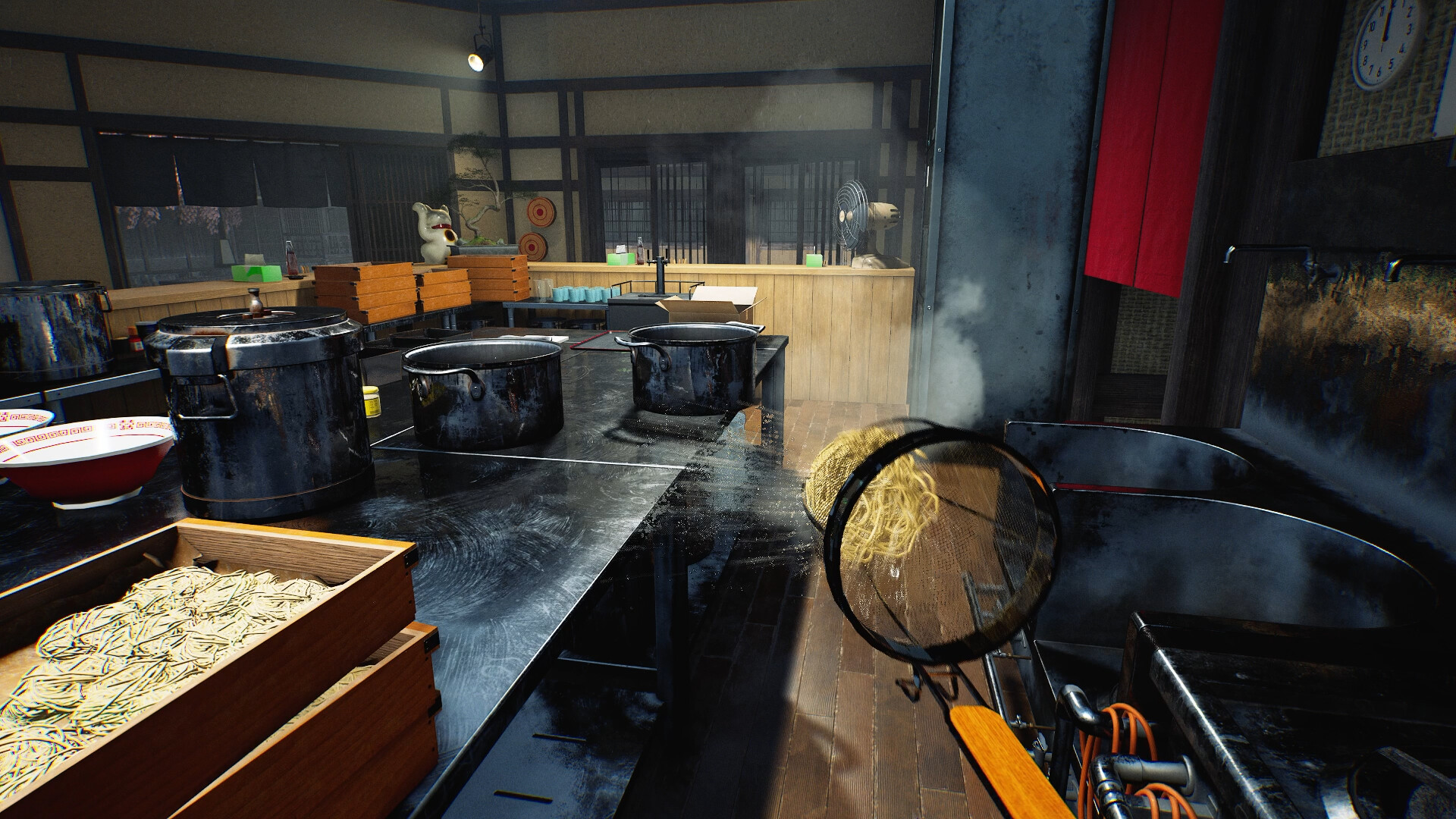
When two soup containers look similar, compare the visible text with the new variety marker before selecting one. Keep the customer order or your recipe visible while checking. Our suggested habit is to say the variety aloud during a co-op handoff so the next cook knows what was prepared. The icon is an identification aid; it does not by itself tell you a recipe’s quantities.
Make a reference from your own build
Record the name shown for each variety you actually have available. A screenshot with the complete label is more useful than a tiny cropped symbol, especially if teammates use different interface languages. Avoid importing a colour legend from another guide unless the current game confirms it. We do not assign invented colours, unlock levels or flavour bonuses to these markers.
Check the bowl as a complete order
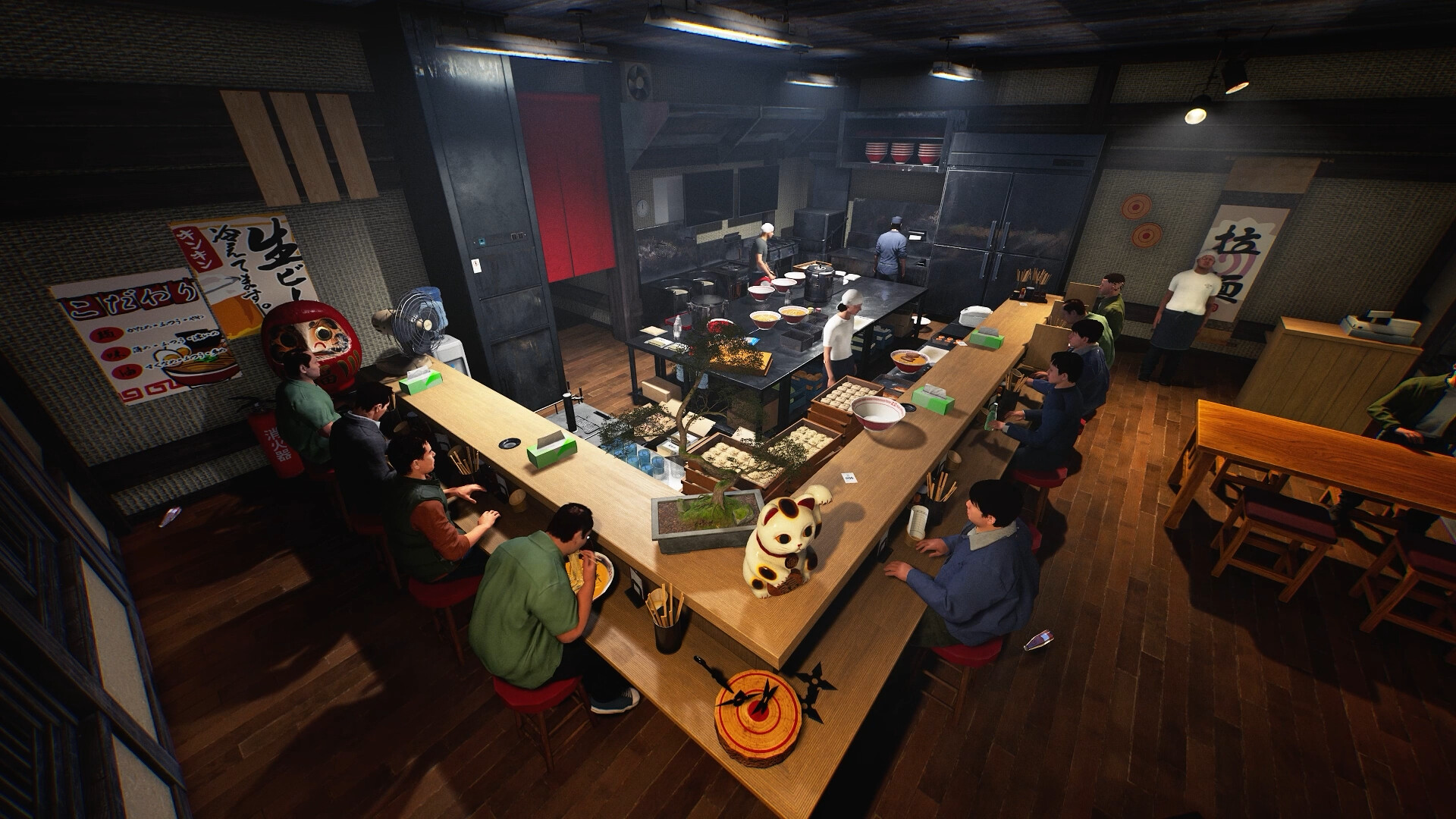
If a customer complains, keep the exact comment and compare the whole order before blaming the soup. Topping choice and quantity are separate observations. Change one ingredient at a time when investigating a mismatch, and keep the same recipe name so your notes stay comparable. The developer’s icon change helps identification; it is not evidence that every rating problem is caused by choosing the wrong rich soup.
Your reference sheet
| Check | What to record | What it tells you |
|---|---|---|
| Build | Record the installed version | Compare with the dated patch |
| Symptom | Write the exact screen or failed action | Keep observation separate from explanation |
| Comparison | Change one thing and record the result | Preserve a reproducible report |
The sheet stays in the open page. Download saves a text copy on your device; it does not change your game or send us a report.
Before your next shift
Is this a newly released 20 October feature?
No. This reference was published on 20 October and explains the linked 15 October patch.
Has this procedure been playtested here?
No. The developer-reported change is sourced; the diagnostic and planning checklist is editorial guidance.
Source and scope
Wild Dog — 15 October v0.1.57.18549 notes ↗. Reviewed 20 October 2026. Mechanic descriptions come from Wild Dog’s released notes. Our worksheet is an editorial aid; no timed playtest or numerical benchmark is claimed.